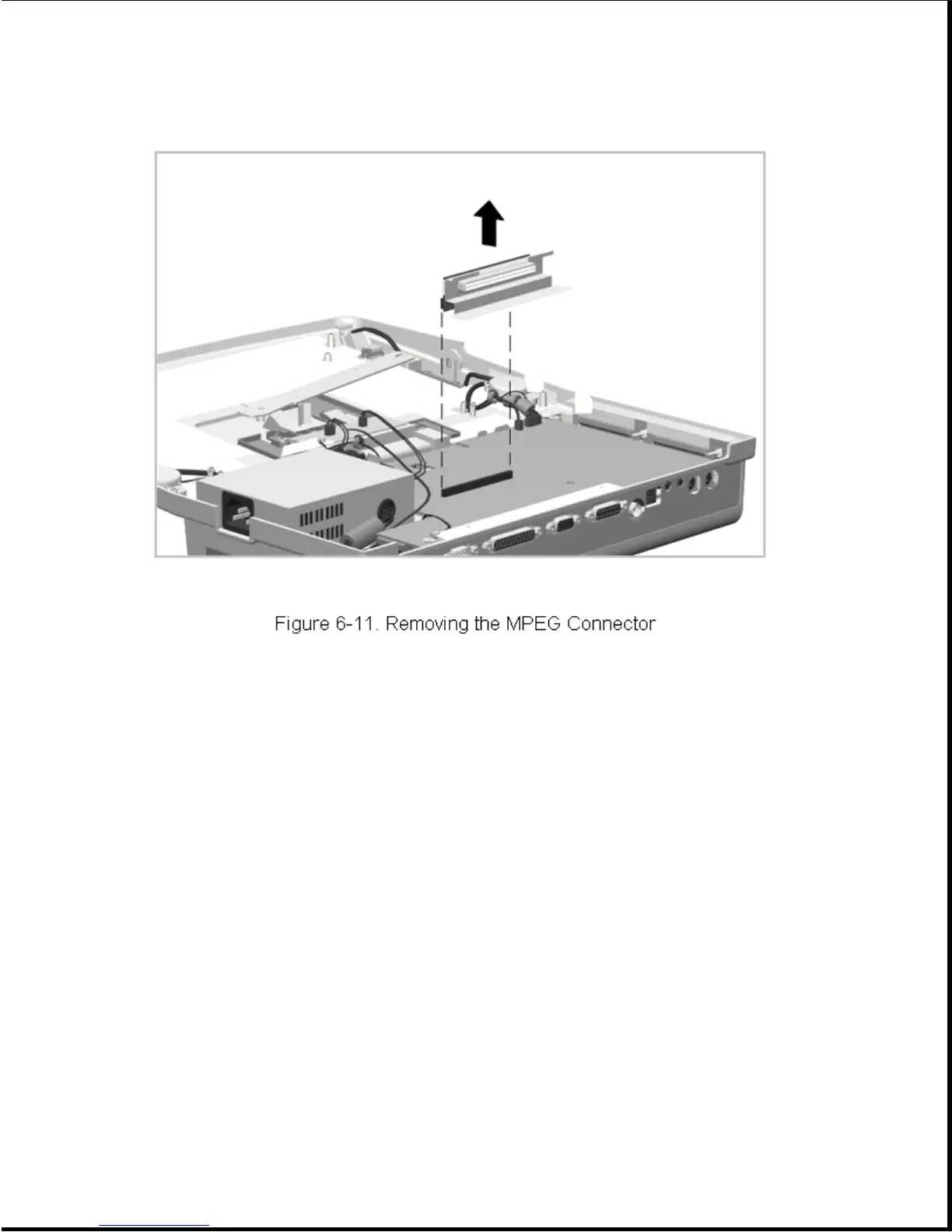
Reverse this procedure to install the MPEG connector.
Chapter 6.7 Power Supply
The power supply is mounted in the right rear corner of the expansion base
when viewed with the base placed top side down on the work surface. It is
replaced as an assembly with its fan.
To remove the power supply, complete the following steps:
1. Prepare the expansion base for disassembly as described in Section 6.3.
2. Remove the bottom cover assembly as described in Section 6.5.1.
3. Disconnect the power supply from the main board (Figure 6-12).
4. Disconnect the power supply fan cable from the Fan Control Board
(Figure 6-12).









 To Next Page