Chapter 6.12 PC Card Door Assembly
The main board must be removed before removing the PC Card door assembly.
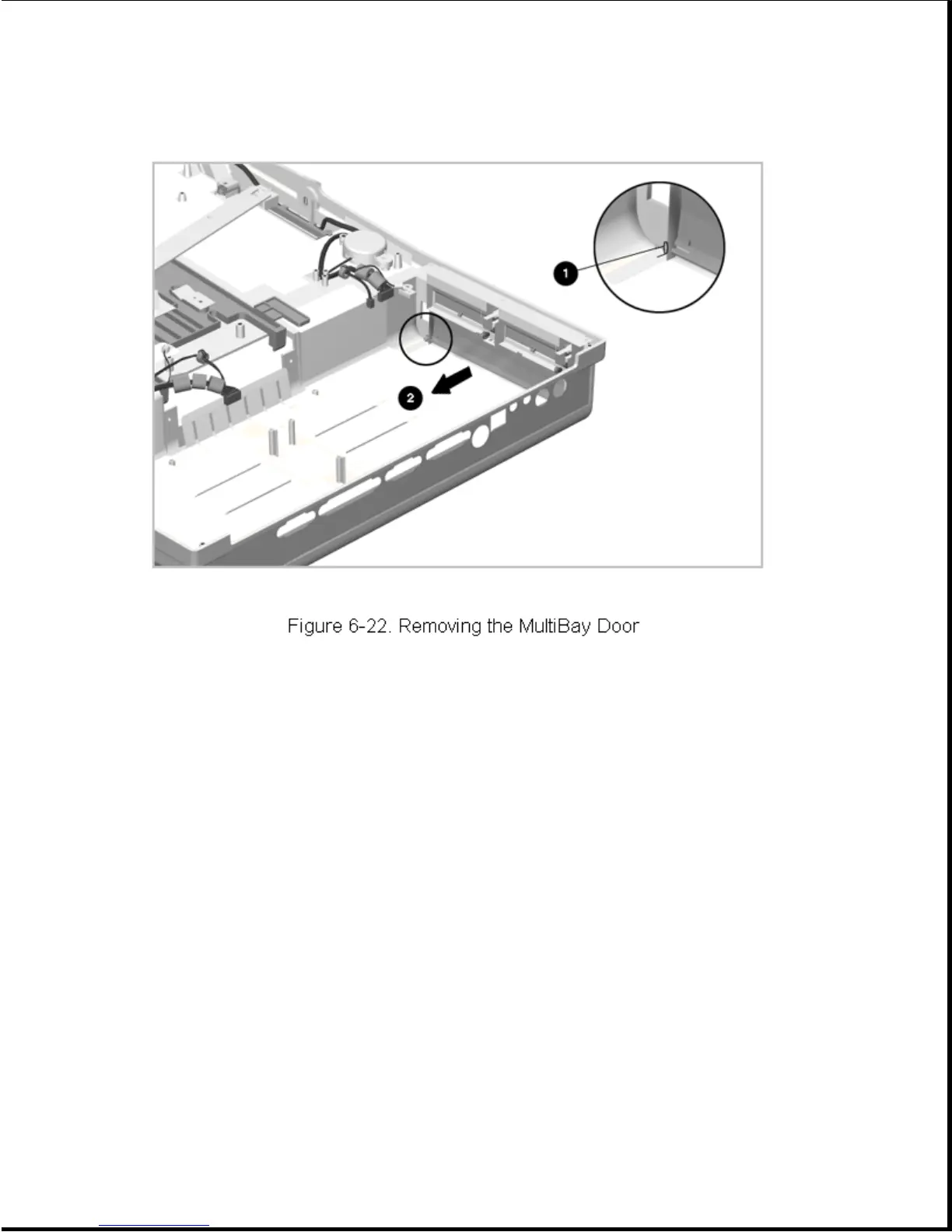
The PC Card doors are spared as an assembly, mounted in a common frame. To
remove and replace the PC Card doors, complete the following steps:
1. Prepare the expansion base for disassembly as described in Section 6.3.
2. Remove the bottom cover assembly as described in Section 6.5.
3. Remove the main board as described in Section 6.8.
4. Remove the three screws and lift the PC Card door module out of the
bottom cover assembly (Figure 6-23).









 To Next Page