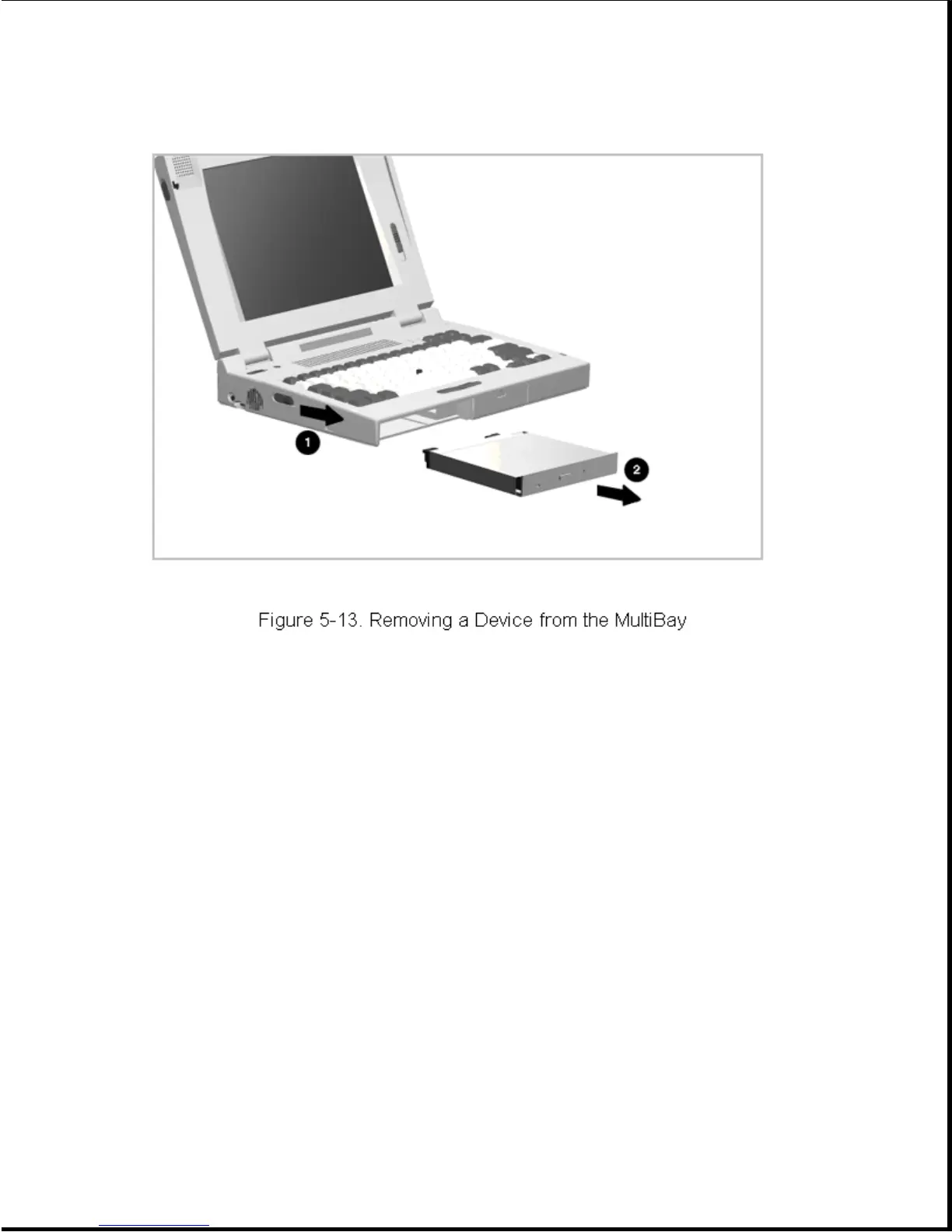
Installing a Device in the MultiBay
Installation of a device in the MultiBay is the reverse of the removal
procedure. To install a device in the MultiBay, complete the following
steps:
1. Insert the device, with the label facing up and the connector/contacts
facing the inside of the bay (Figure 5-13).
2. Push firmly on the device; it will lock into place.
3. Install the security screw (optional) as shown in Figure 5-12.
5.3.7 PC Card
Compaq recommends that you remove any installed PC Cards (PCMCIA) before
performing any service on the computer. To remove a PC card, complete the
following steps:
1. Open the PC Card door [1] (Figure 5-14).
2. Press on the PC Card release button [2] to remove the PC Card
(Figure 5-14).









 To Next Page