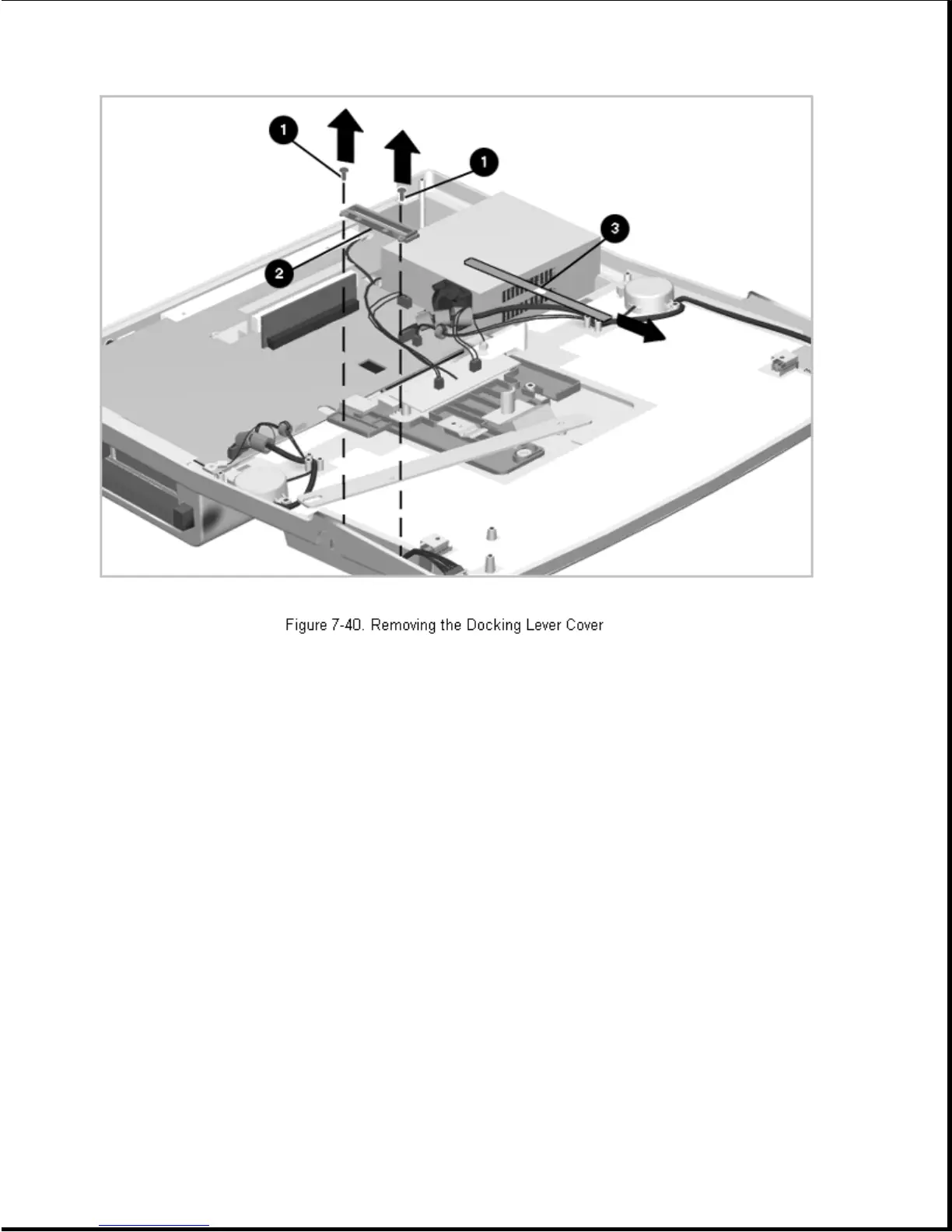
6. Remove the docking lever cover insert [3] as shown in Figure 7-40.
Reverse the above procedures to install the docking lever, docking lever
slider, or docking lever cover.
Chapter 7.20 Security Lock Bracket
The security lock bracket simply slides into its mounting seat on the side
of the expansion base. To remove and install the security lock bracket,
complete the following steps:
1. Prepare the expansion base for disassembly as described in Section 7.3.
2. Remove the bottom cover assembly as described in Section 7.5.
3. Use a flat-blade screwdriver to pry the bracket straight up, or use a
small pair of pliers to grasp the bracket and pull it out
(Figure 7-41).









 To Next Page