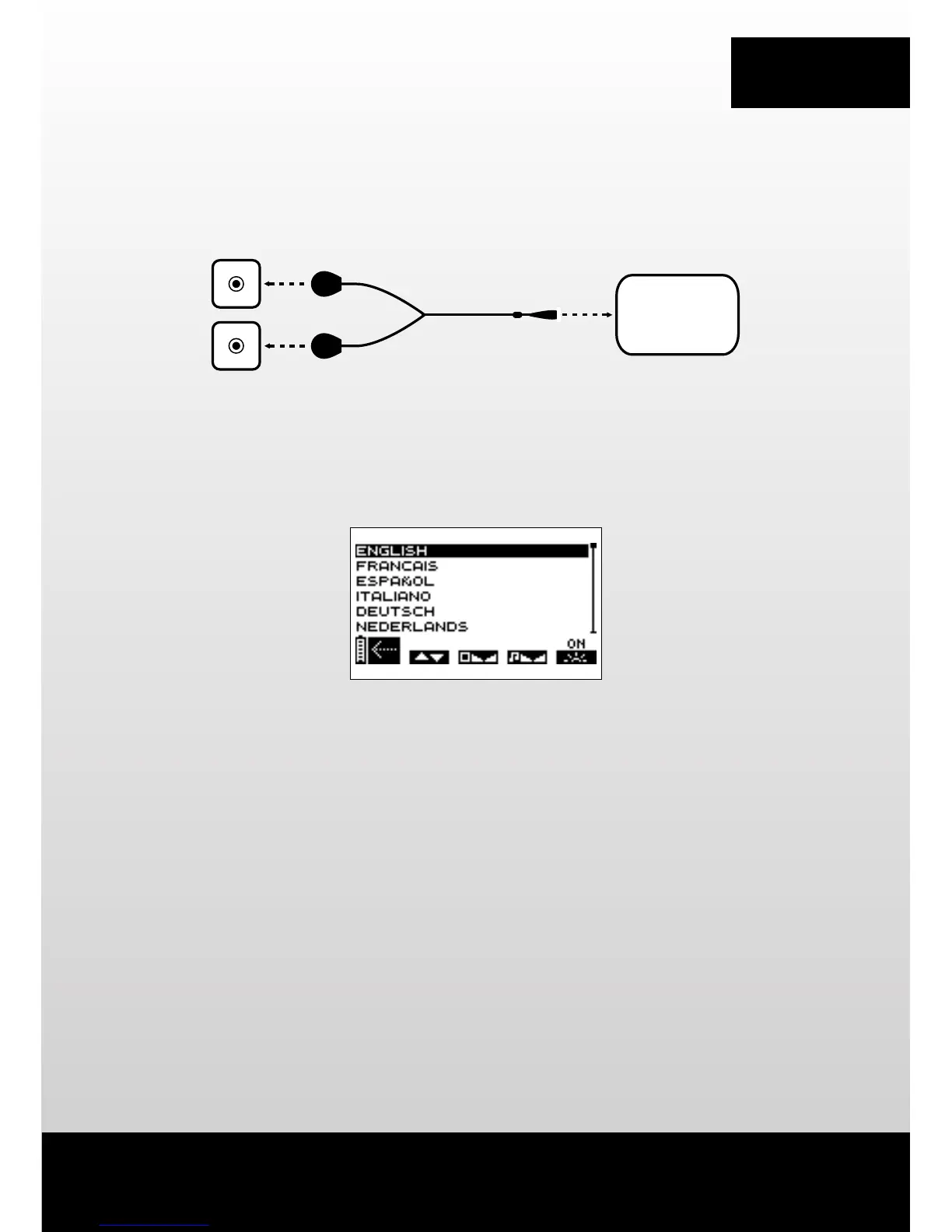
2. CONNECTING THE CABLES
N.B. The MI-sensor cable (if available with the device) can be connected to any socket on the stimulator.
3. LANGUAGE, CONTRAST AND VOLUME SELECTION
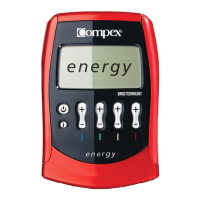
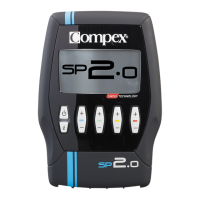
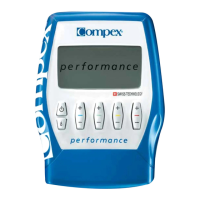
B Press the +/- button of channel 1 to select the language to be used.
C Press the +/- button of channel 2 to adjust screen contrast.
D Press the +/- button of channel 3 to adjust the volume.
E Press the +/- button of channel 4 to adjust the backlighting.
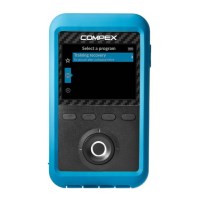
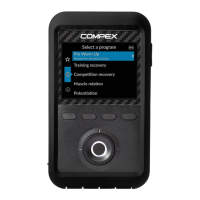
A Press the on/off button to confirm and save your selections. Settings are immediately applied.
This options screen can then be displayed by switching the device off and by pressing and holding the on/off
button for over 2 seconds.
COMPEX
A B C D E



 To Next Page