24 Version 1.2
The e-Log electronic controller stops the compressor whenever possible to reduce the
power consumption and restarts it automatically when the net pressure decreases. In case
the expected unloading period is too short, the compressor is kept running to prevent too-
short standstill periods.
Operating panel
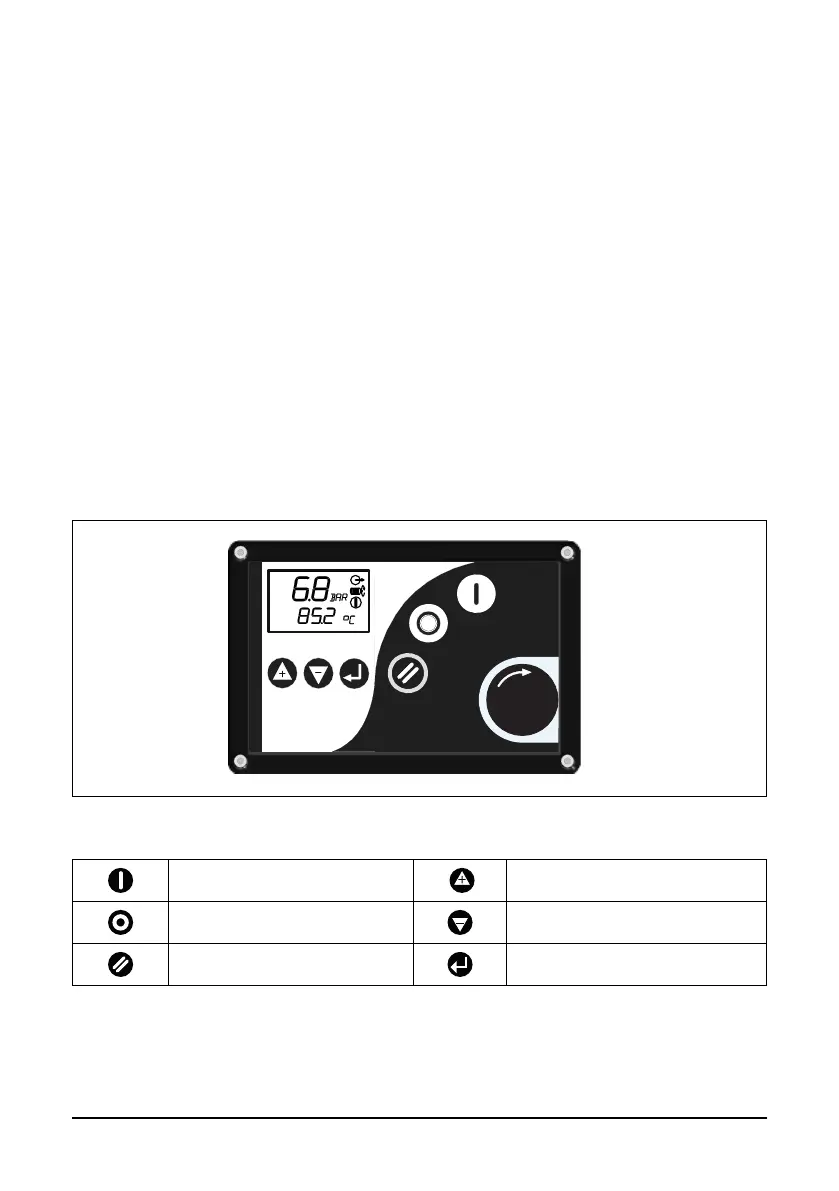
In order to control the compressor and to read and modify programmable parameters the
controller has a control panel provided with:
- LEDs indicating the status of the compressor;
- a display indicating the operating conditions, a service need or a fault;
- buttons to control the compressor and access data collected by the controller;
- buttons to manually start and stop the compressor;
- an emergency stop button.
Control panel buttons
Start of compressor
Up or Increment Value
Shutdown of compressor Down or Decrement Value
Return to main operating menu Enter
Fig. 4.1 Controller panel



 To Next Page