Hayetsira St. 17, Yokneam, Israel
Tel: +972-48-290-168 | Fax: +972-48-325-251 | www.fit-iot.com
Quick start guide
Minimum requirements
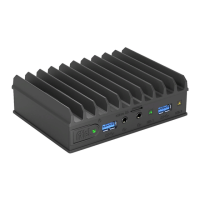
To use fitlet2 you will need:
• RAM and storage device (if not pre-installed)
• A display with HDMI or DisplayPort input + HDMI or mini-DisplayPort cable
• USB keyboard and mouse
Identifying fitlet2 configuration
fitlet2 configuration is detailed on the label attached to the bottom side of the computer.
Note
Pay attention to RAM and storage. If not installed fitlet2 will not boot. You will have to first
install these devices.
Opening fitlet2
You will need to open fitlet2 in order to install RAM, storage and RTC battery.
Required tool: Phillips screwdriver.


 To Next Page