30
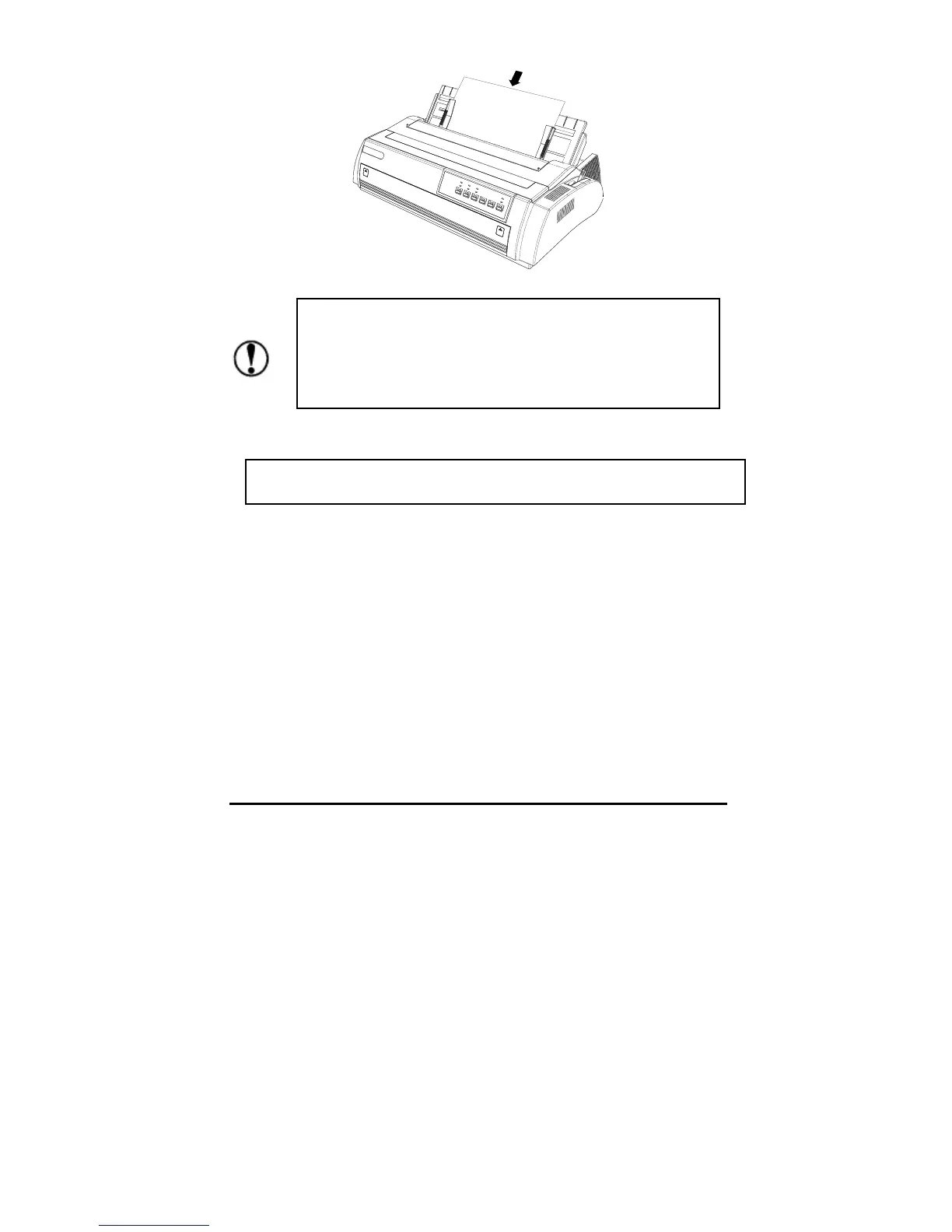
Please press the LOAD/EJECT button to eject the paper
.
Front-in
1. Choose the cut sheet using the path selection lever, and open the cover of
the front-in path.
Use the platen knob on the left of the printer only when the
printer is turned off and the paper jams, otherwise the printer
will be damaged or the position of the top of form will be
changed.
If the printer cannot feed the paper by turning the platen, take out the cut
sheet and load it a



 To Next Page