31
2. Turn on the printer. The power indicator on the operator panel lights up.
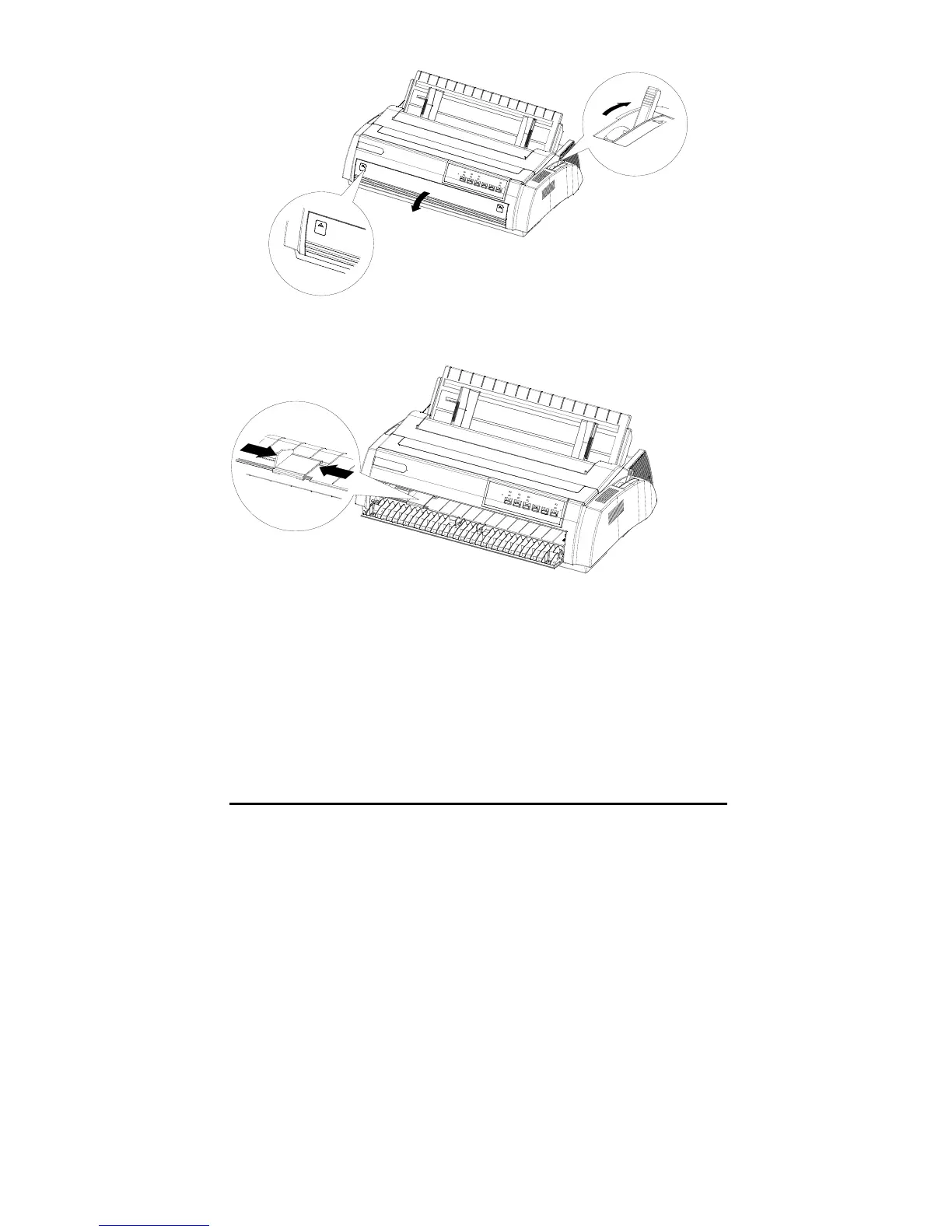
3. Move the edge guide and locate it when the sound of “click” is heard.
4. Load the cut sheet along the left edge guides and push the paper forward
steadily until it is stopped, then the printer will feed the paper for printing
automatically about 2 seconds later.



 To Next Page