43
pages in one time may cause paper damaged.
Loading continuous paper with the pull tractor
1. Make sure the printer is powered off, and take away the front cover and
paper guide.
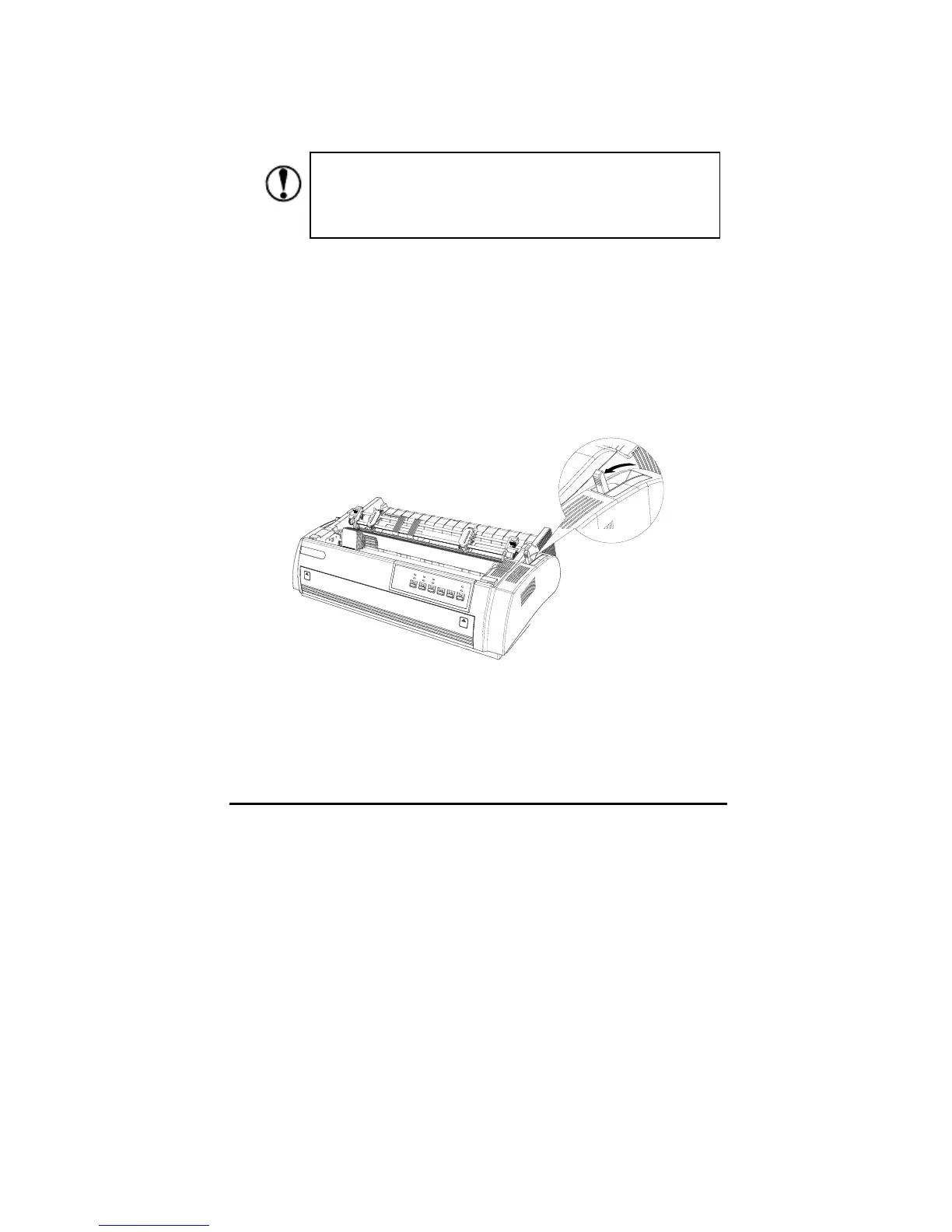
2. Make sure the pull tractor is set in right position, and the path selection
lever is in pull tractor position too.
3. Loose the sprocket by pulling the lock tabs forward, shown below.
Make sure the printed paper is moved before pressing
Load/eject button. Otherwise it may cause paper jam by
feeding paper backward for several pages.



 To Next Page