44
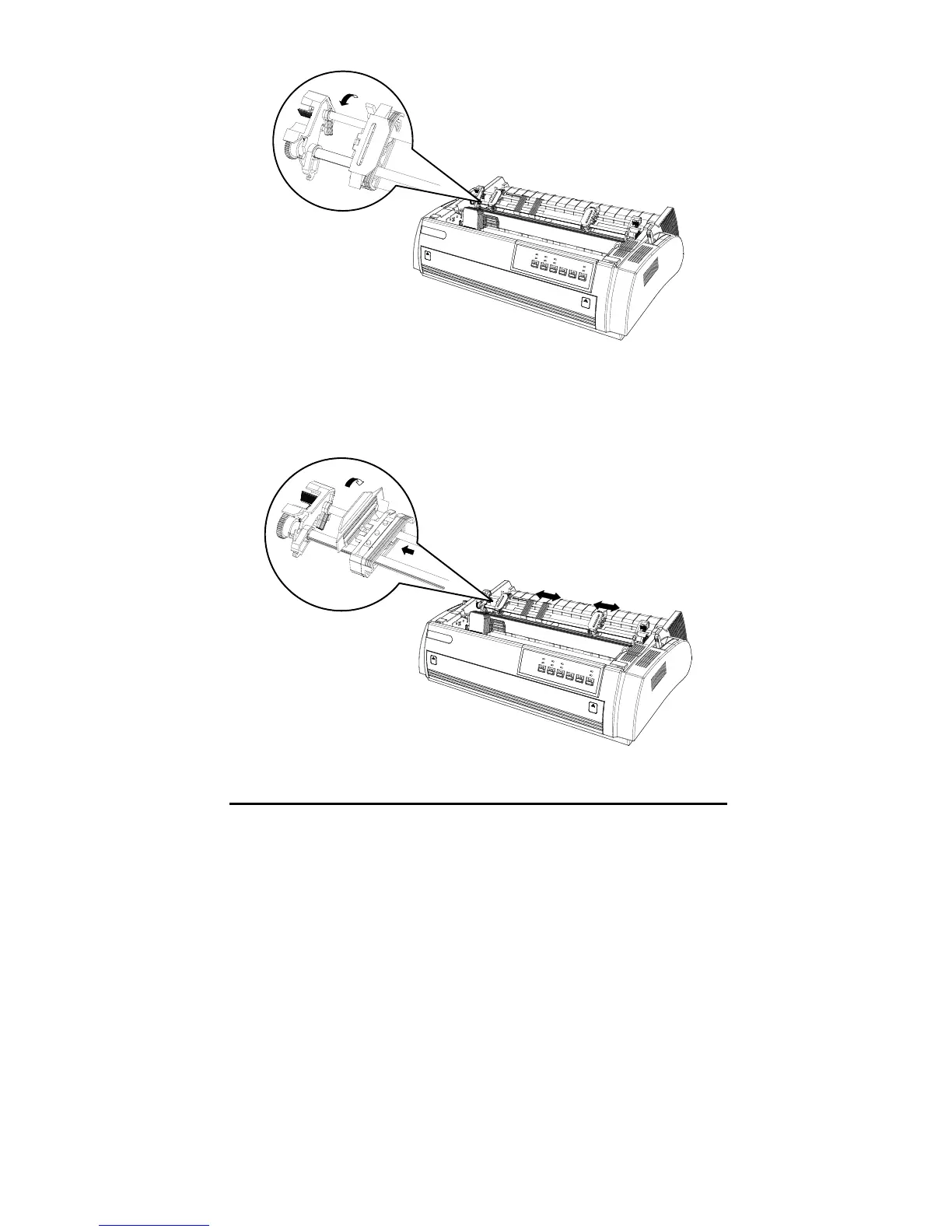
4. Slide the left sprocket to the left about 12mm (0.5 inch ) to the left margin of
the printer, then lock the sprocket by pushing the lock tab backward. Slide
the right sprocket to match the width of continuous paper, but don’t lock it.
Move the paper support to the center of both sprockets.
5. Make sure the edge of continuous paper is clean and straight. Load the paper
from the right slot (front slot, bottom slot or rear slot).



 To Next Page