45
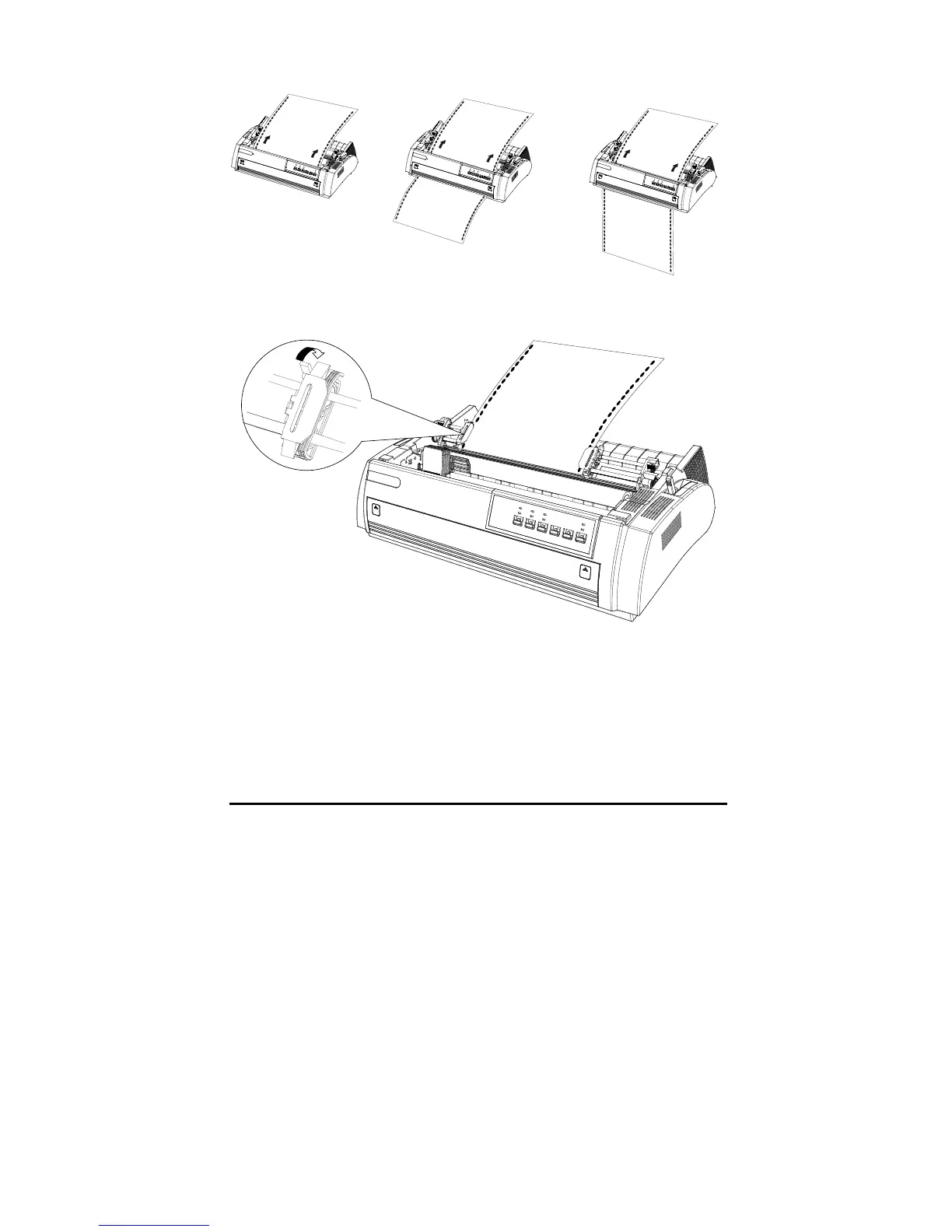
6. Open the sprocket cover to fit the holes of continuous paper to the pins of
tractors.
7. Close the sprocket cover.
8. Slide the right sprocket to tighten the continuous paper, and then lock it.
9. Place paper guide and keep it horizontally, then slide both edge guides to the
centre of continuous paper.
10. Turn on the printer.
11. Adjust the top of form position with the micro-adjustment function. Refer to
the “Setting top-of-form position”.



 To Next Page