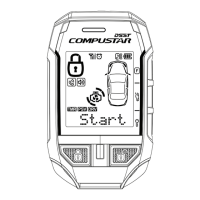
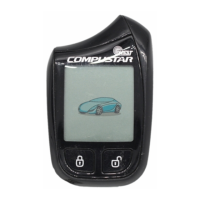
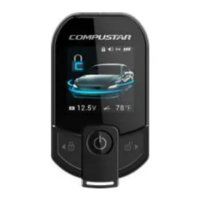
In Timer Start Mode, your car automatically starts every 1.5 or 3.0 hours
depending on preset options during the time of installation for a 24-hour period.
This mode is deleted automatically after 24 hours or once you start your car with
either your manual key or remote. In order to enter Timer Start Mode, press
Buttons (II+IV) simultaneously for a ½ second.
Also, note that Timer Start Mode becomes Cold Start Mode once an optional
temperature sensor is installed.
Important! Timer Start Mode should be used only in open areas. Never start
and run the vehicle in an enclosed space such as a garage or carport.
Safety Shut Down FeaturesSafety Shut Down Features
CompuStar 1WAM4R system has several shut down safety features. The
following actions will shut down the engine or prevent the car from auto-starting:
Opening of the car engine hood, Pressing of the brake or Valet mode is turned
on.
OPTIONAL PROOPTIONAL PROGRAMMABLE GRAMMABLE
FEATURESFEATURES
These additional programmable features can be programmed to the CompuStar
system by your authorized CompuStar dealer.
Ignition LockIgnition Lock
Automatic Transmission Vehicle: This programmable option enables your
vehicle to automatically lock the doors upon starting the vehicle with a key. In
addition, the vehicle will automatically unlock the doors upon pulling the key out
from the ignition. This option must be chosen at the time of installation.
Manual Transmission Vehicle or Turbo Mode: This programmable option will
locks the doors in 5 seconds after starting the vehicle with a key and the
emergency brake is released.
Passive LockingPassive Locking



 To Next Page