DeviceMaster Installation and Configuration Guide: 2000594 Rev. F Troubleshooting and Technical Support - 147
Troubleshooting and Technical Support
This section contains troubleshooting information for your DeviceMaster. You may want to review the
following subsections before calling Technical Support because they will request that you perform many of the
procedures or verifications before they will be able to help you diagnose a problem.
• Troubleshooting Checklist
on Page 147
• General Troubleshooting
on Page 149
• Testing Ports Using Port Monitor (PMon2)
on Page 151
• Testing Ports Using Test Terminal
on Page 154
• Socket Mode Serial Port Testing
on Page 160
• Daisy-Chaining DeviceMaster 4
/8/16-Port Units on Page 166
• DeviceMaster LEDs
on Page 167
• Removing DeviceMaster Security Features
on Page 169
• Returning the DeviceMaster to Factory Defaults
on Page 171
If you cannot diagnose the problem, you can contact Technical Support
on Page 174.
Troubleshooting Checklist
The following checklist may help you diagnose your problem:
• Verify that you are using the correct types of cables on the correct connectors and that all cables are
connected securely.
Note: Most customer problems reported to Comtrol Technical Support are eventually traced to cabling or
network problems.
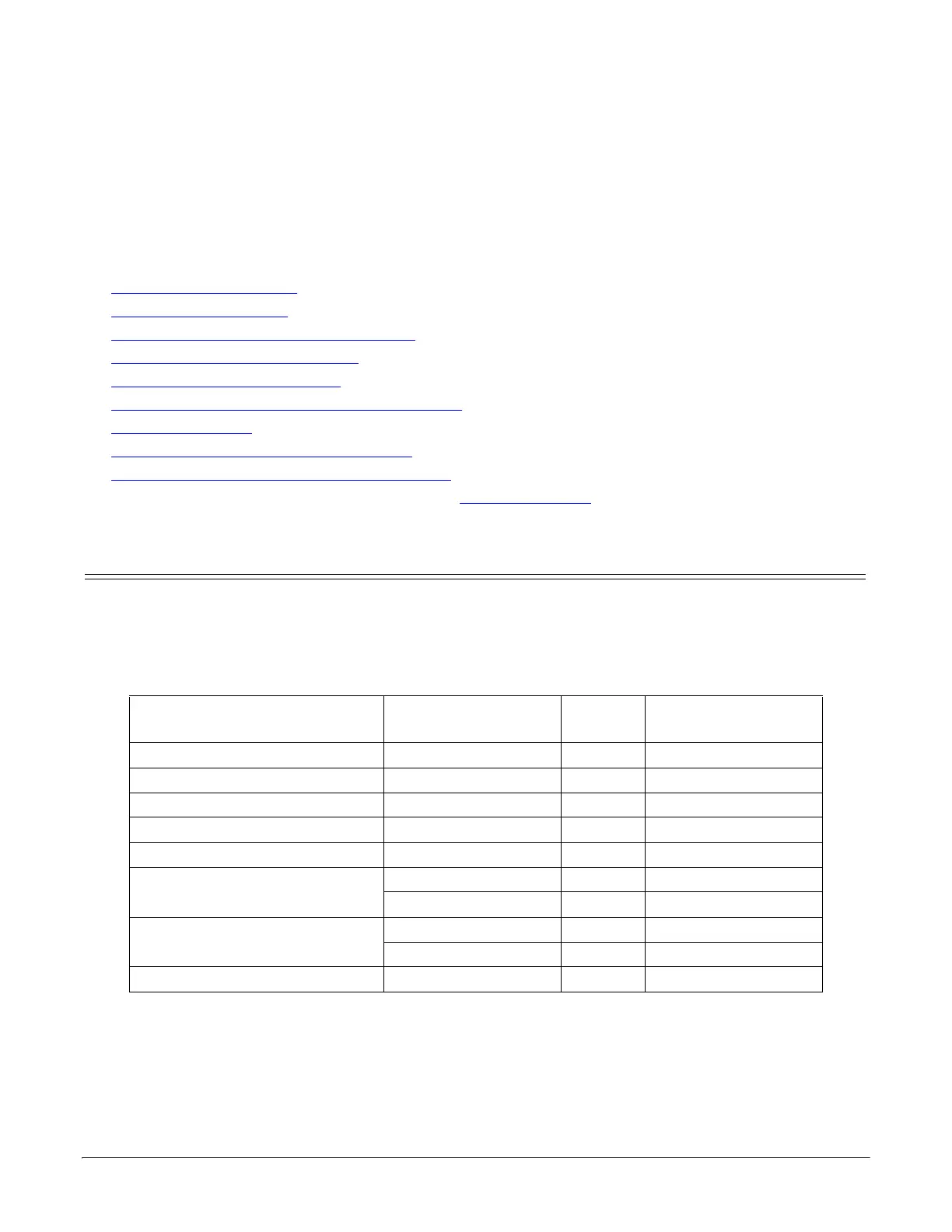
Model Connected to
Ethernet
Cable
Connector Name
1-Port (Panel Mount) Ethernet hub or NIC Standard 10/100 ETHERNET
1-Port (DIN Rail) Ethernet hub or NIC Standard 10/100
2-Port - 1E (Single Ethernet Port) Ethernet hub or NIC Standard 10/100
2-Port - 2E (Dual Ethernet Ports) Ethernet hub or NIC Standard 10/100 - E1/E2
4-Port (DIN Rail) Ethernet hub or NIC Standard 10/100 - E1/E2
4/8-Port
NIC Standard DOWN
Ethernet hub Standard UP
16-Port (external power supply)
NIC Standard DOWN
Ethernet hub Standard UP
16/32-Port (internal power supply) Ethernet hub or NIC Standard 10/100 NETWORK



 To Next Page