DeviceMaster Installation and Configuration Guide: 2000594 Rev. F DeviceMaster Security - 79
Configure/Enable Security Features Overview
Configure/Enable Security Features Overview
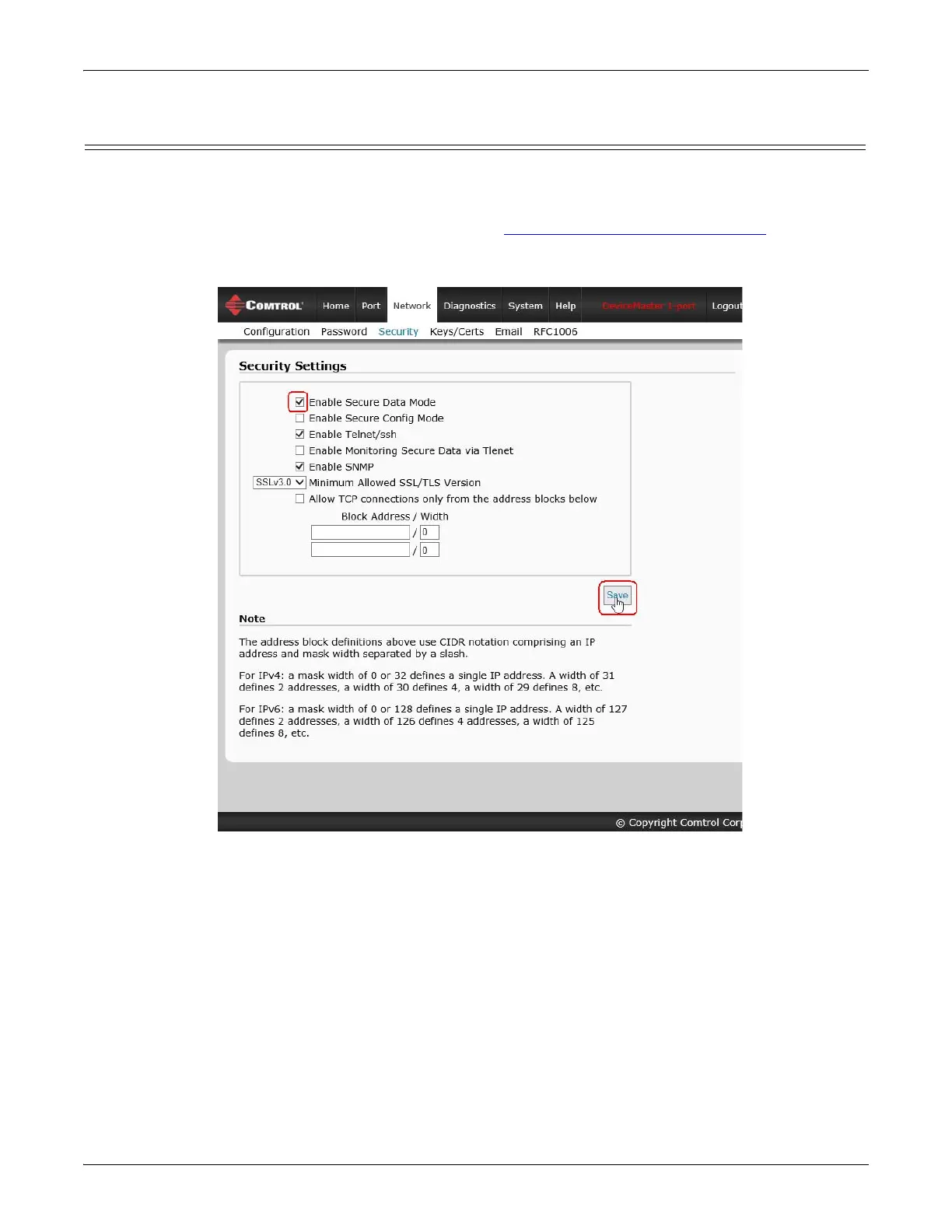
You can enable DeviceMaster security features the web page (SocketServer or the NS-Link version). Key and
Certificate Management must be done using the Security tab in the DeviceMaster web pages.
If you want secure COM ports, you must also Enable SSL Mode and enter any applicable server or client
certificates in the NS-Link device driver for Windows. See
Device Driver (NS-Link) Installation on Page 47.
The following illustration shows the Security Settings page under the Network menu and is discussed in the
following table.



 To Next Page