162 - Troubleshooting and Technical Support DeviceMaster Installation and Configuration Guide: 2000594 Rev. F
Troubleshooting and Technical Support
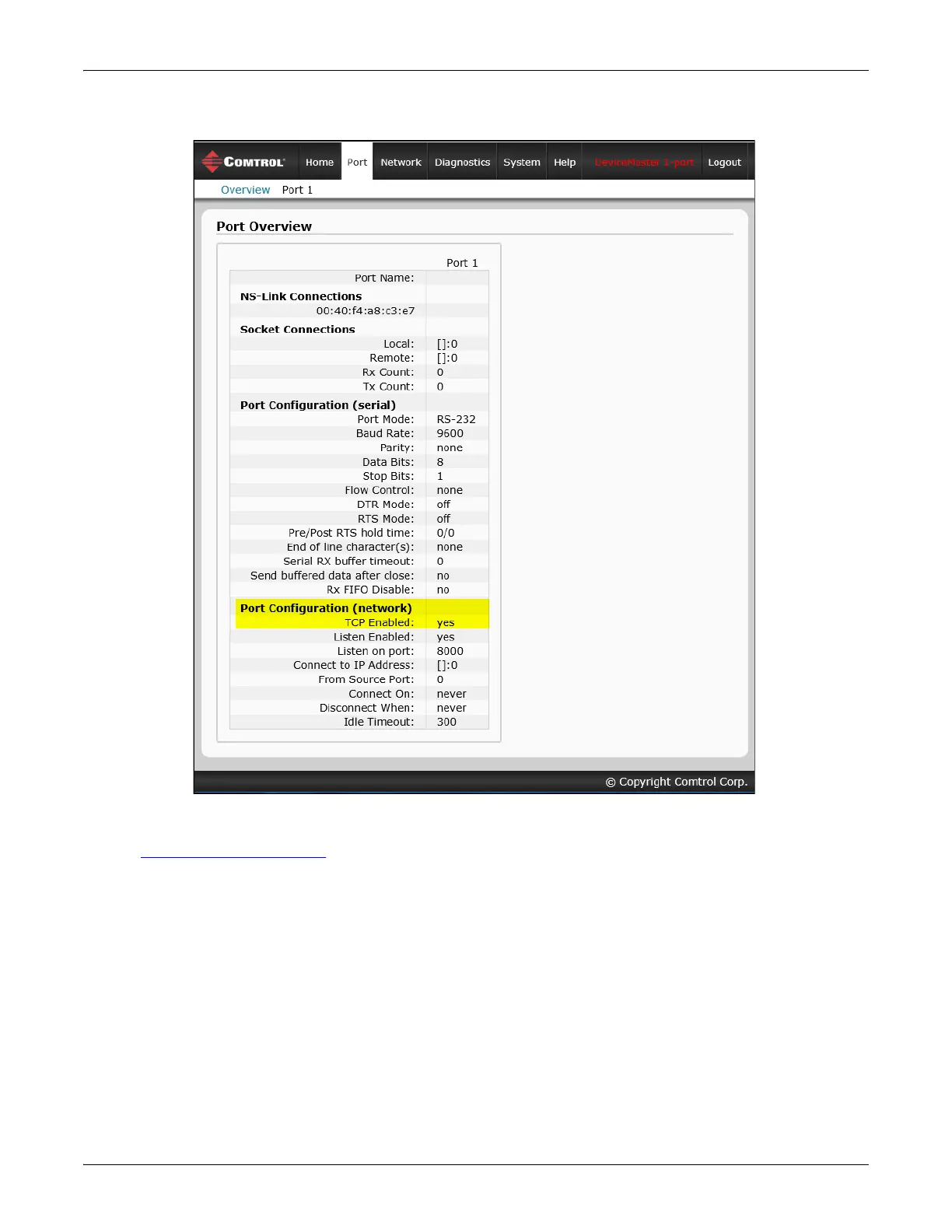
8. Verify that the port has been enabled.
9. Leave the web page open.
10. Attach the loopback plug that was shipped with the DeviceMaster to the serial port of the DeviceMaster.
See Connecting Serial Devices
on Page 87 if you need to build a loopback plug.



 To Next Page