(MT series remote control intelligent turntable manual)5
Shenzhen Comxim Technologies Co., Ltd. Copyright 2015 7
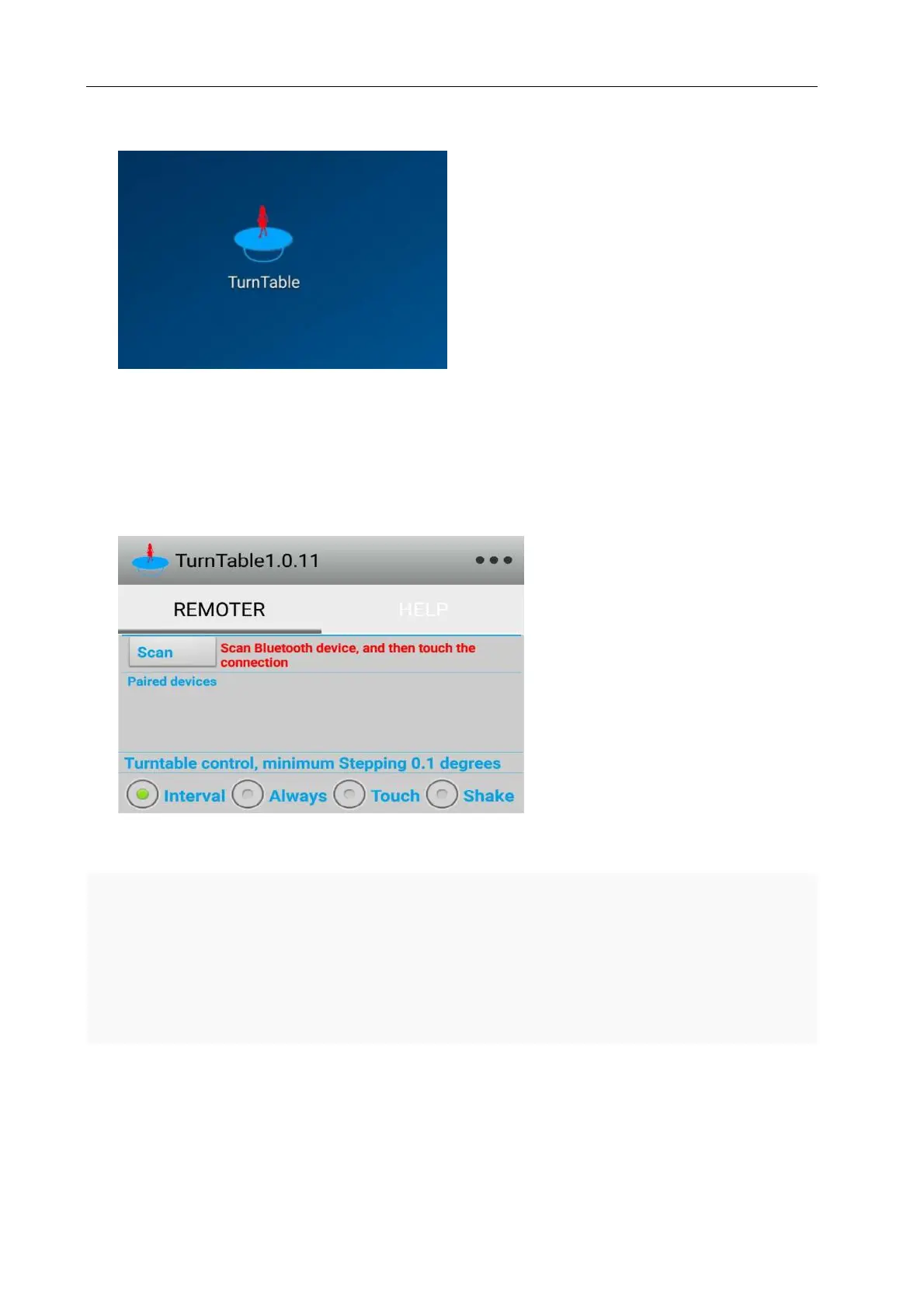
Figure1 TurnTable Icon
Step 2 :As shown in Figure1and Figure2,In the Android mobile phone find Turntable Icon. And start
Turntable app, touch "Scan" button in the upper left corner, the app will automatically search MT series Bluetooth
devices.
Figure2 Scan “MT370B*” devices
Step 3 :As shown in Figure3,When you find a Bluetooth device, you can set up a connection with the
Bluetooth device in the Figure4. Note: the first time when the link will show the XXXX is Non Paired, as
shown in Figure 5. When the connection is required to enter a password, the password is "1234" or
"0000" (without the quotes). As shown in Figure Figure6



 To Next Page