(MT series remote control intelligent turntable manual)5
Shenzhen Comxim Technologies Co., Ltd. Copyright 2015 11
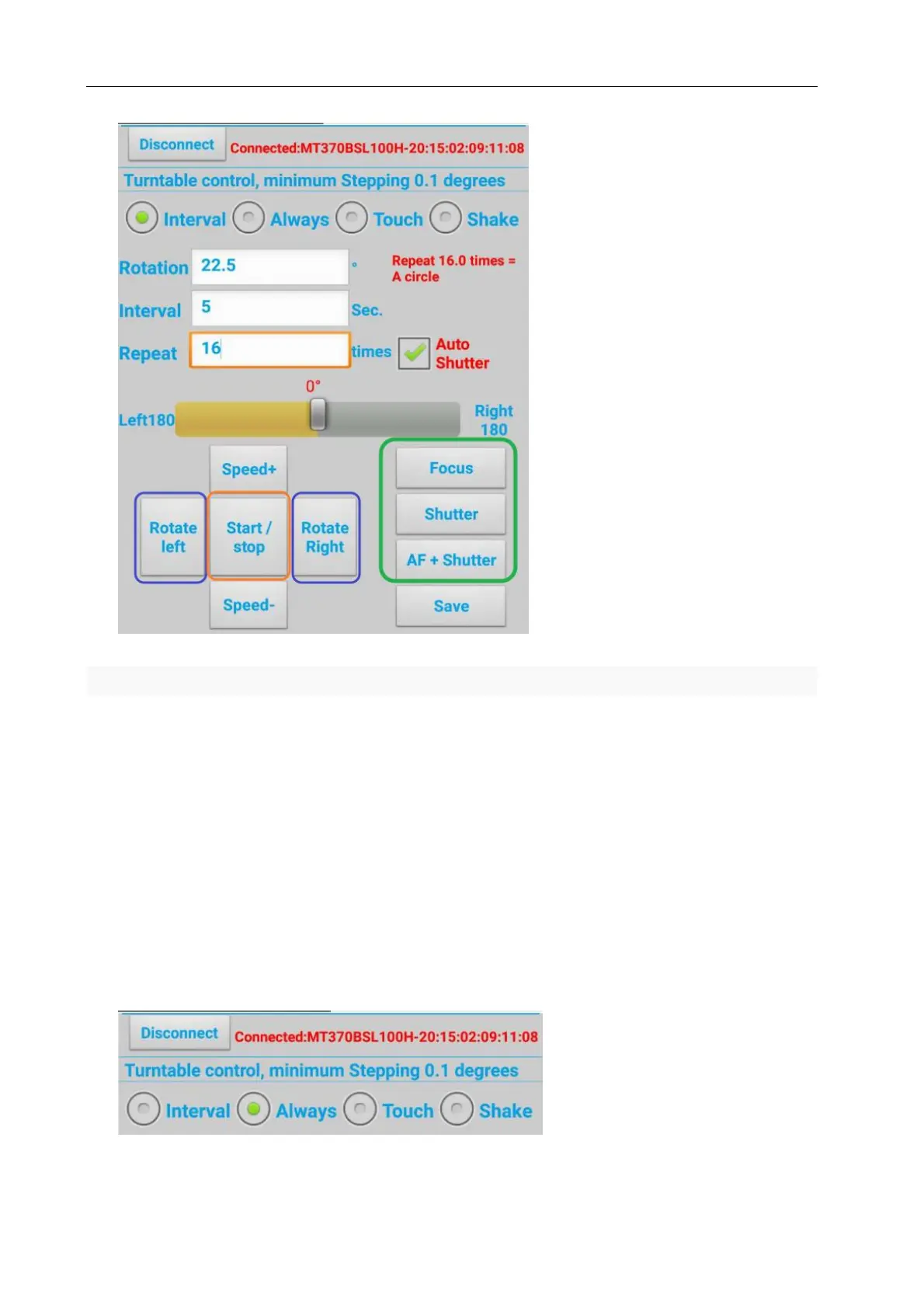
Figure 9 Turn left or right turn
As shown in Figure 9, you can also connect the camera to the turntable shutter interface, and use the
phone to control the camera to take photos with the turntable.
7.2.2 continuous mode
As shown in Figure 10, switch to continuous mode, touch the left and right buttons, turn left or turn right.
During the rotation of the turntable, the speed of the rotary table is changed according to the Acceleration
button or deceleration button. Press the Save button and save the current setting value, and the next power
on , use the save value to rotate.



 To Next Page