(MT series remote control intelligent turntable manual)5
Shenzhen Comxim Technologies Co., Ltd. Copyright 2015 9
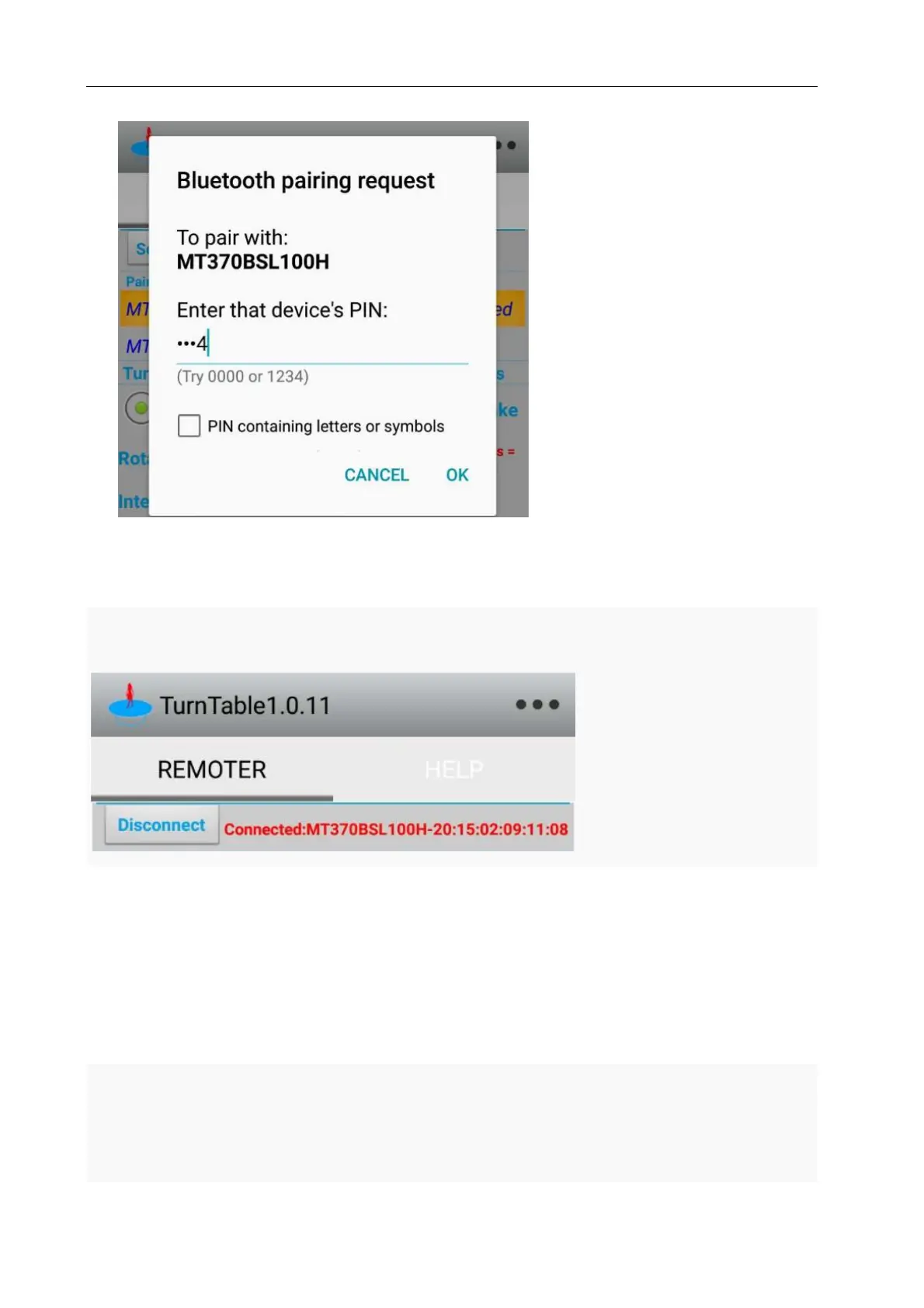
Figure 6 Touch connection requires a password “1234”
As shown in Figure Figure7 “Connected:MTxxx-XX:XX:XX:XX:XX:XX”, Has been connected successfully.
Figure 7 Connected to MT370B*
7.2 MT370B* turntable APP Application Guide
7.2.1 Intermittent mode
As shown in Figure Figure8,Set the mode switch to an interval (mode), set the rotation angle of 22.5
degrees, set the time to 5 seconds and repeat 16 times to complete a circle. After setting
up, press left or right to start the turntable intermittent to turn left or turn right. The
turntable rotates 22.5 degrees every time, pause for 5 seconds, and then continue to rotate



 To Next Page