(MT series remote control intelligent turntable manual)3
6 Shenzhen Comxim Technologies Co., Ltd. Copyright 2015
Multi angle
shooting
shortcut
keys
(Equal
circle
shortcut
key)
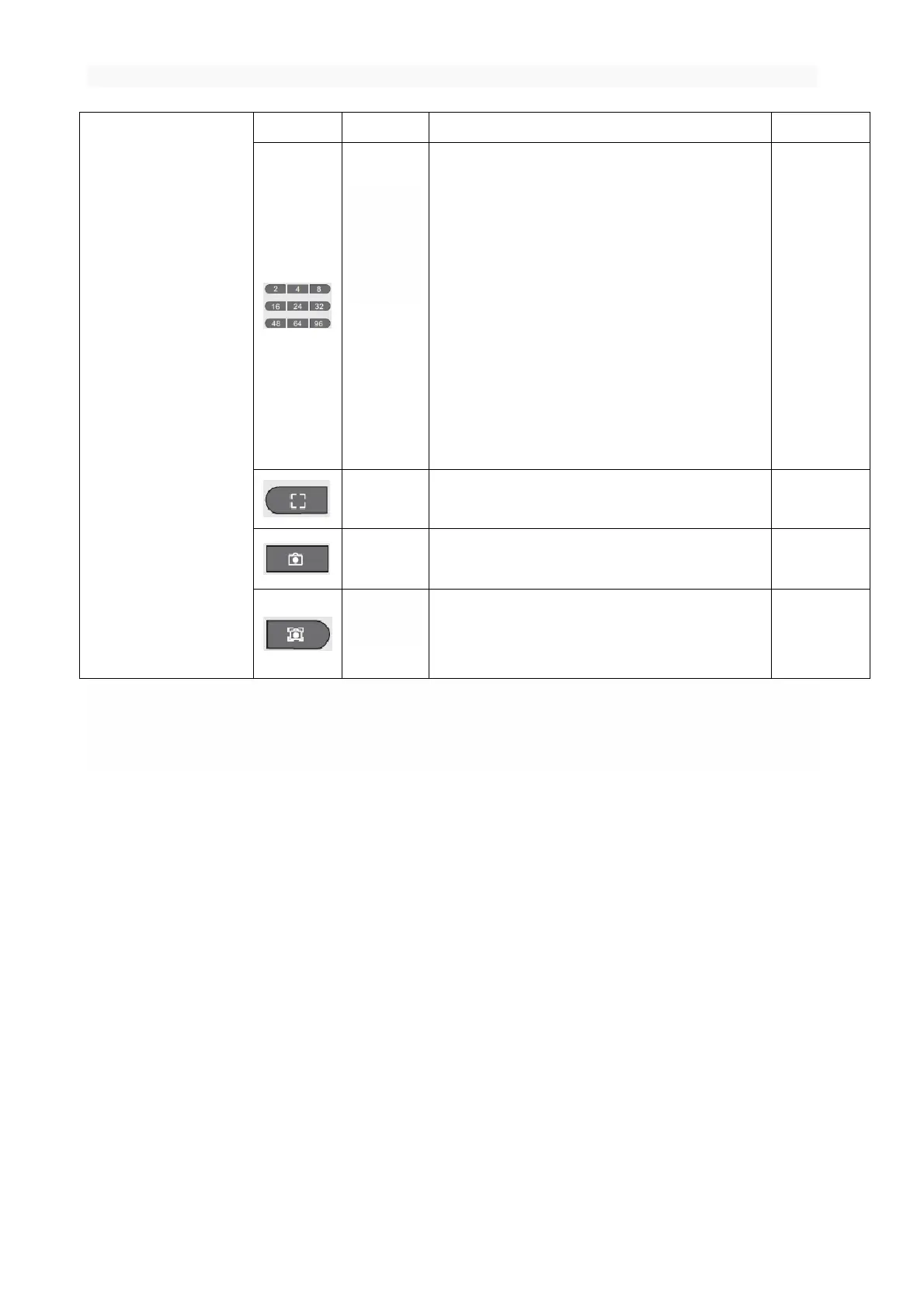
Function: Press this key to control the turntable to
suspend n times Within a circle. (n = 2, n = 4, n =
8 „„)
For example: press the key in this group (e.g. 8
keys), the turntable rotates every time 1/8
circle, 45 degrees (=360 *1/8), Suspended one
time , Suspended time 4 seconds (MT370BSLxx
series is automatically sent out the shutter
signal to take a photo), repeat 8 times that a
circle automatically back to the starting
position.
Function: Press this key to send out the focus
signal (MT370BSLxx version support).
Function: Press this key to send take a photo
signal (MT370BSLxx version support).
Function: Press this key to send focus + take a
photo signal (MT370BSLxx version support).
Note : Press the "rotation angle shortcut key" to rotate the turntable immediately; Press " Multi angle
shooting shortcut keys ", the buzzer 1 beep, but the turntable does not immediately turn, but suspended for
4 seconds, after the suspension of rotation;
If you press "start / stop button", "turn left", "turn right" may be immediately rotating, it is possible
to pause for 4 seconds and then rotate, How the turntable rotates, it is decided by the last state (such
as the most recent press " Multi angle shooting shortcut keys ", then suspended 4 seconds to send the shutter
signal, otherwise the turntable is not suspended but immediately rotating).
-- Shenzhen ComXim Technologies Co., Ltd. reserve the right to explain the above specifications.--
7. Andriod App(MTxxxBLXXX and MTxxxBSLXXX)
7.1 Connected to MT series turntable
Step 1 :Turn on the MT series product power switch, the device with the function of the Bluetooth will have
the light flashing, and the representative can
be connected with the control end.



 To Next Page