(MT series remote control intelligent turntable manual)5
Shenzhen Comxim Technologies Co., Ltd. Copyright 2015 5
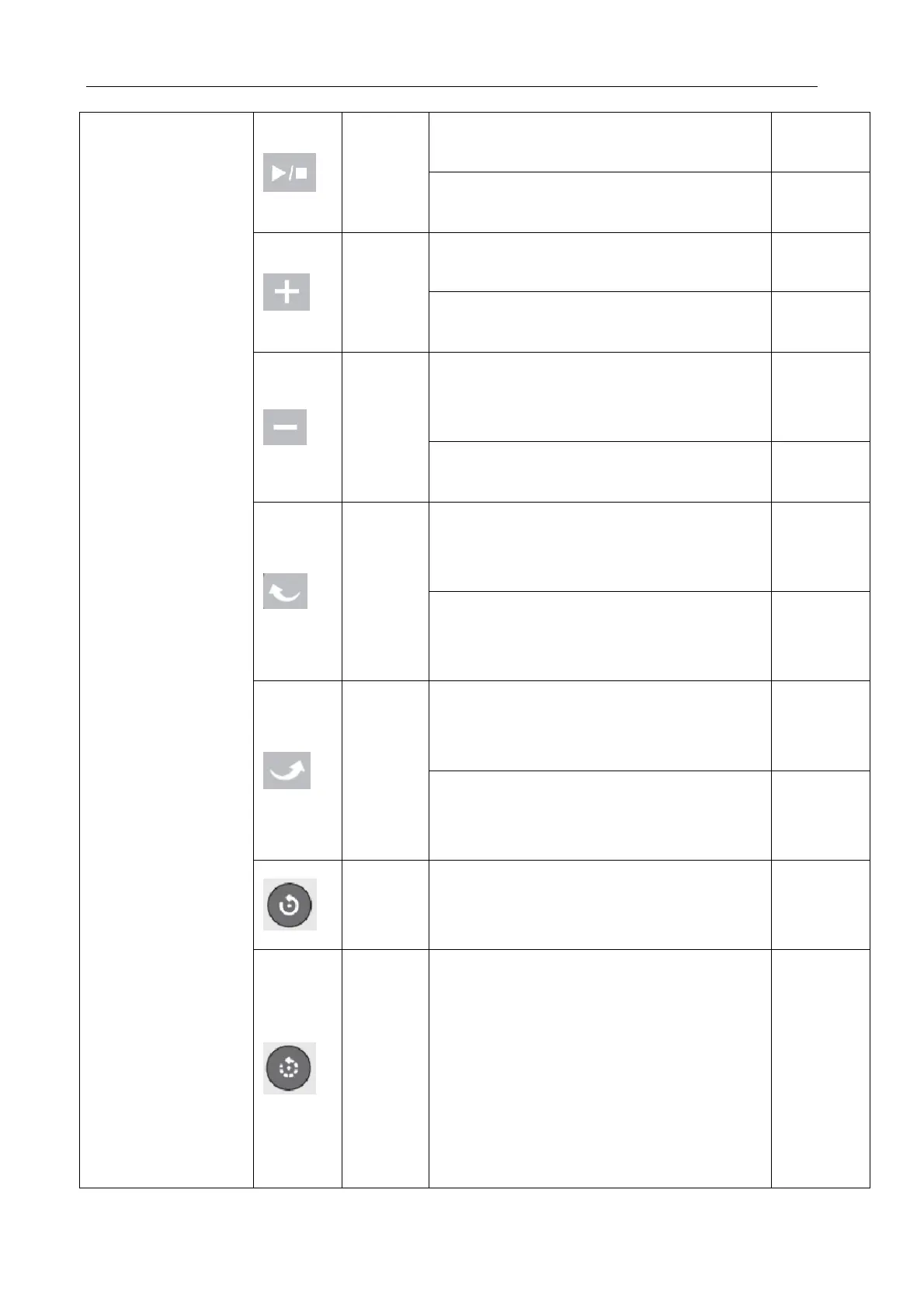
If the current state of the turntable is
stopped, the turntable rotation is started.
If the current state of the turntable is
rotated, the turntable is stopped.
If the speed of the turntable has not
fastest speed gear, plus 1 level.
If the speed of the turntable is the
fastest, the key is ignored.
If the rotation speed of the turntable has
not reached the slowest speed, the speed will
Speed decrease 1 level.
If the speed of the turntable is the
slowest, the key is ignored.
If the current state of the turntable is not
left, then set the turntable to the left, and
start the turntable rotation.
If the current state of the turntable has
been turn to left, start the turntable
rotation.
If the current state of the turntable is not
right, then set the turntable to the right, and
start the turntable rotation.
If the current state of the turntable has
been turn to right, start the turntable
rotation.
Function: start the turntable unlimited
continuous rotation.
Intermitte
nt
rotation
key
Function:start the turntable intermittent
rotation
Press this key to Start the turntable
intermittent rotation the angle of rotation by
the recent rotation angle shortcut key decision,
can also be determined by the number of recent
photo(Equal circle shortcut key), the angle of
the rotation set, suspended for 4 seconds,



 To Next Page