IP CAMERA QUICK START GUIDE
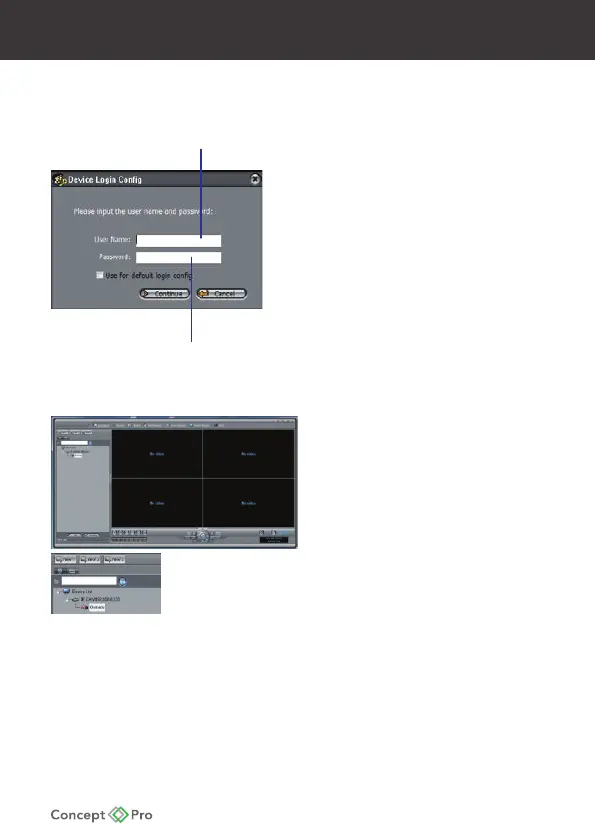
4. Click on a camera IP address in
Device List to login.
5. Under User Name, enter the user
name for the camera
(default: admin)
Under Password, enter the password
for the camera (default: admin)
Click Continue.
6. The camera appears under the
camera IP address.
Click and drag the camera to the
display grid to open it.
admin)(default:
Camera Passwor
)
Enter
(default:
Click and drag a camera to
the display grid to open it.
FINDING THE CAMERA’S IP ADDRESS (continued)










 To Next Page