12 / 16
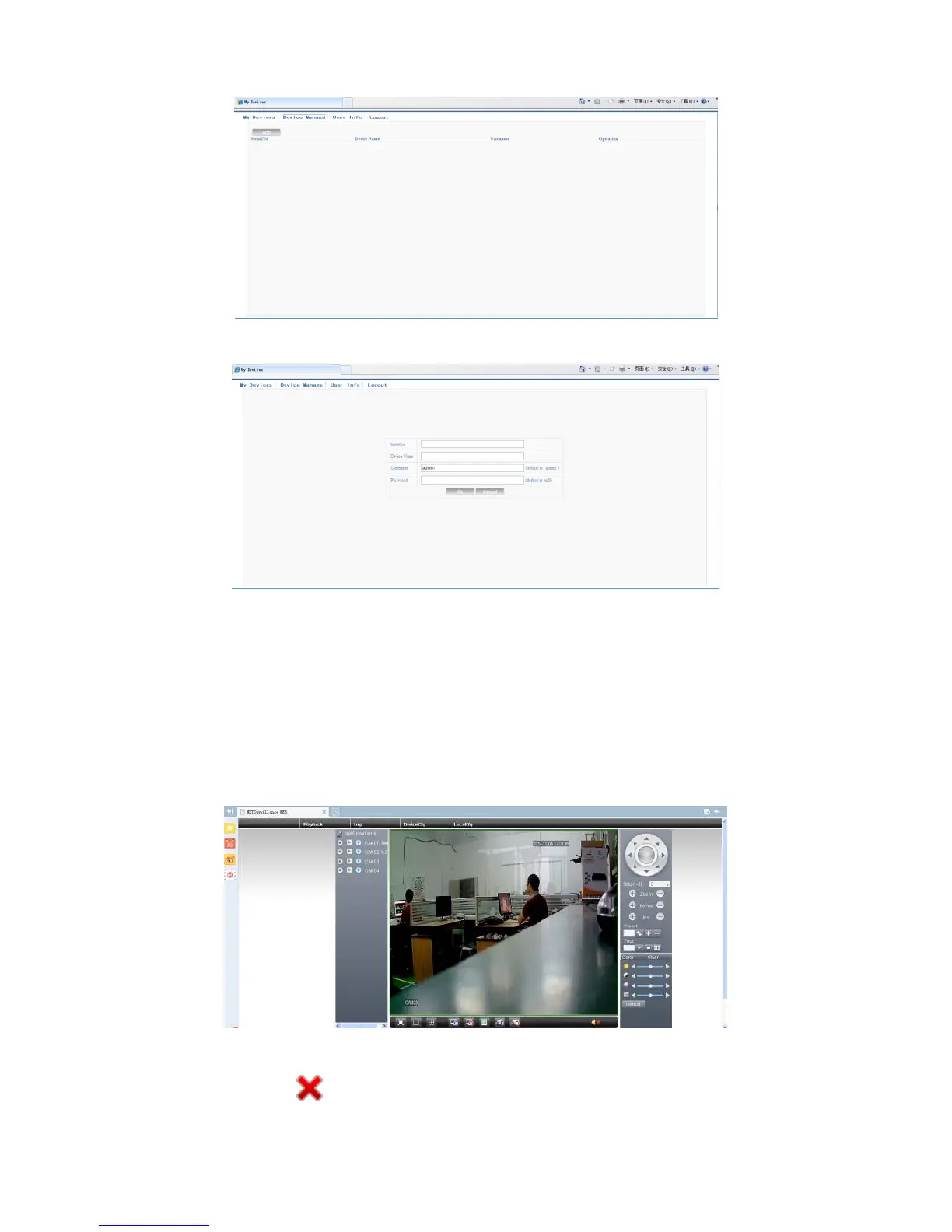
Pic 5.4 device manage interface
Pic 5.5 add interface at device manage
Note
:
in pic 5.5, the user name means the user name of monitored device, password
means the password of related user.
My Device
Mainly shows all the added devices. Click the on-line device name, providing access to control
this device accordingly.
Pic 5.6 monitor page - log in by user
*Remark:the icon of“ ” means offline, the device did not connect to server successfully.



 To Next Page