3 / 16
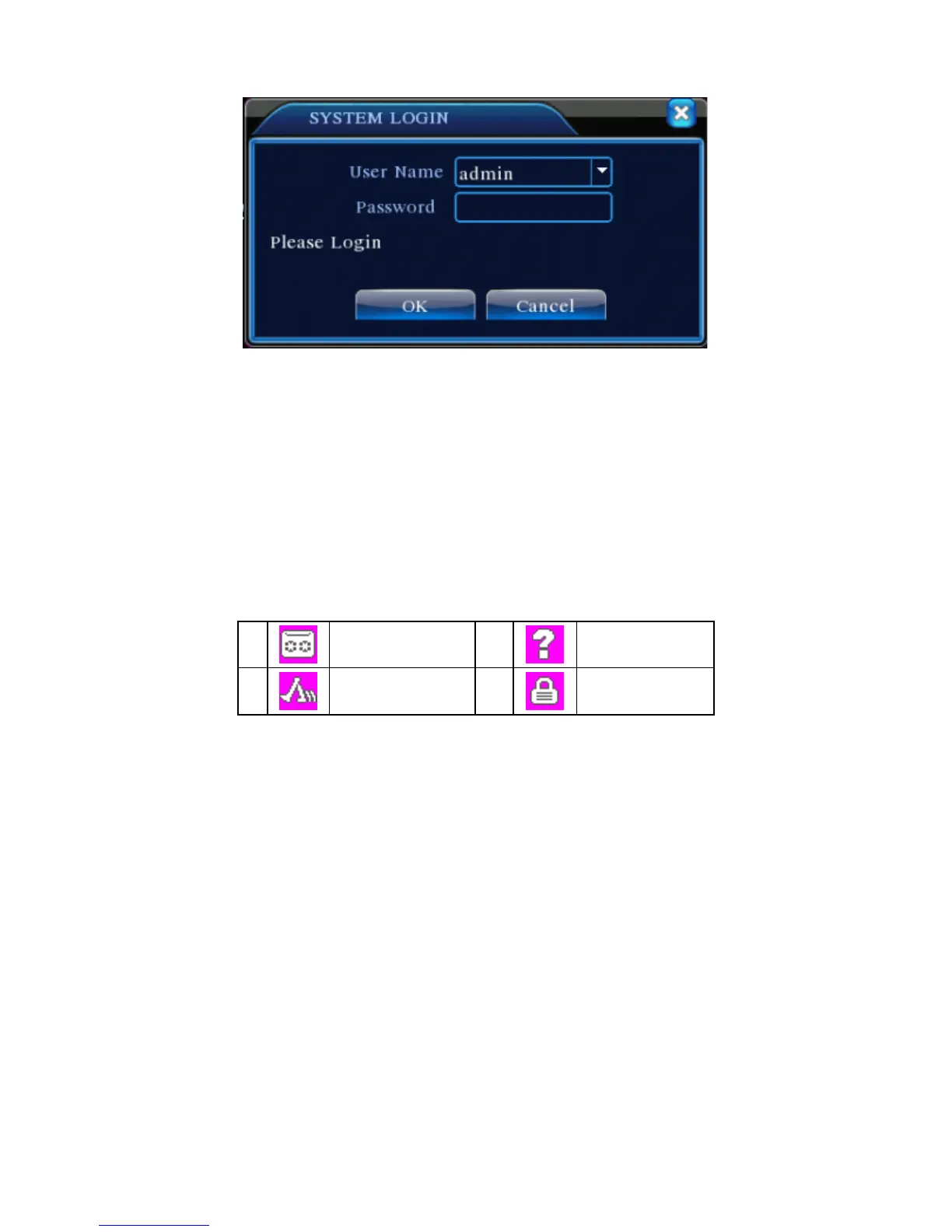
Pic 1 : Login
Password protection: if the password is entered incorrectly three times, the alarm will start. If the
password is entered incorrectly five times, the account will be locked. (Through reboot or after half an
hour, the account will be unlocked automatically). For safety’s sake, please revise user name and
password regularly.
5. Preview
Login normally and choose the multi-menu preview status.
The system date, time and channel title are shown in each viewing window. The surveillance video and
the alarm status are shown in each window.
Chart 1 icon on preview window
6. Recording Config
S
et the recording parameters in the surveillance channel. You can enter [Main Menu]> [Record]>
[Record Config] to set. The system’s default set is 24 hours continuous recording.
Note: There is at least one read-write hard disk if the DVR records normally.(refer to chapter 4.5.1 HARD
DISK Manage)



 To Next Page