8 / 16
device interface” by clicking
【
System
】
>
【
Device Manager
】
>
【
Add zone/device
】
, enter the device adding
interface, follow the tips to input DVR information, then exit after saving.
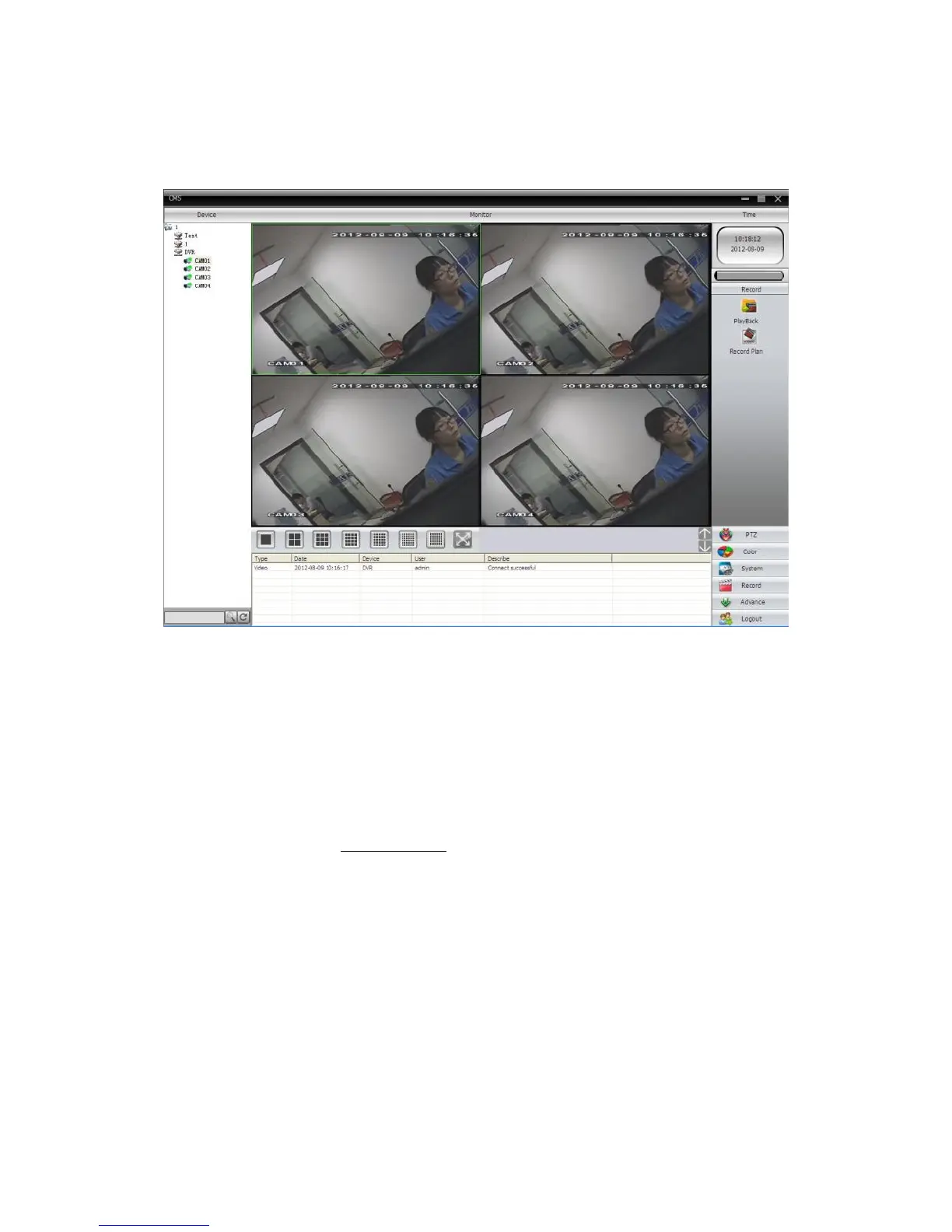
Step 3: repeat the above steps on the interface of Device Manager, where the user can add multi devices
for centralized management.
Pic.7
3. Web Monitor
When connected to a network, use the PC’s browser to log in to the DVR for remote access.
Step 1: install the ActiveX, file name is “INewActive.exe”, which can be downloaded from the included CD,
then follow the tips to install it.
Step 2: connect with the device, open browser, input the IP address of that device; for example, if the IP
address is 10.2.2.88, then input http://10.2.2.88 at the address column. The below page will appear:



 To Next Page