9 / 16
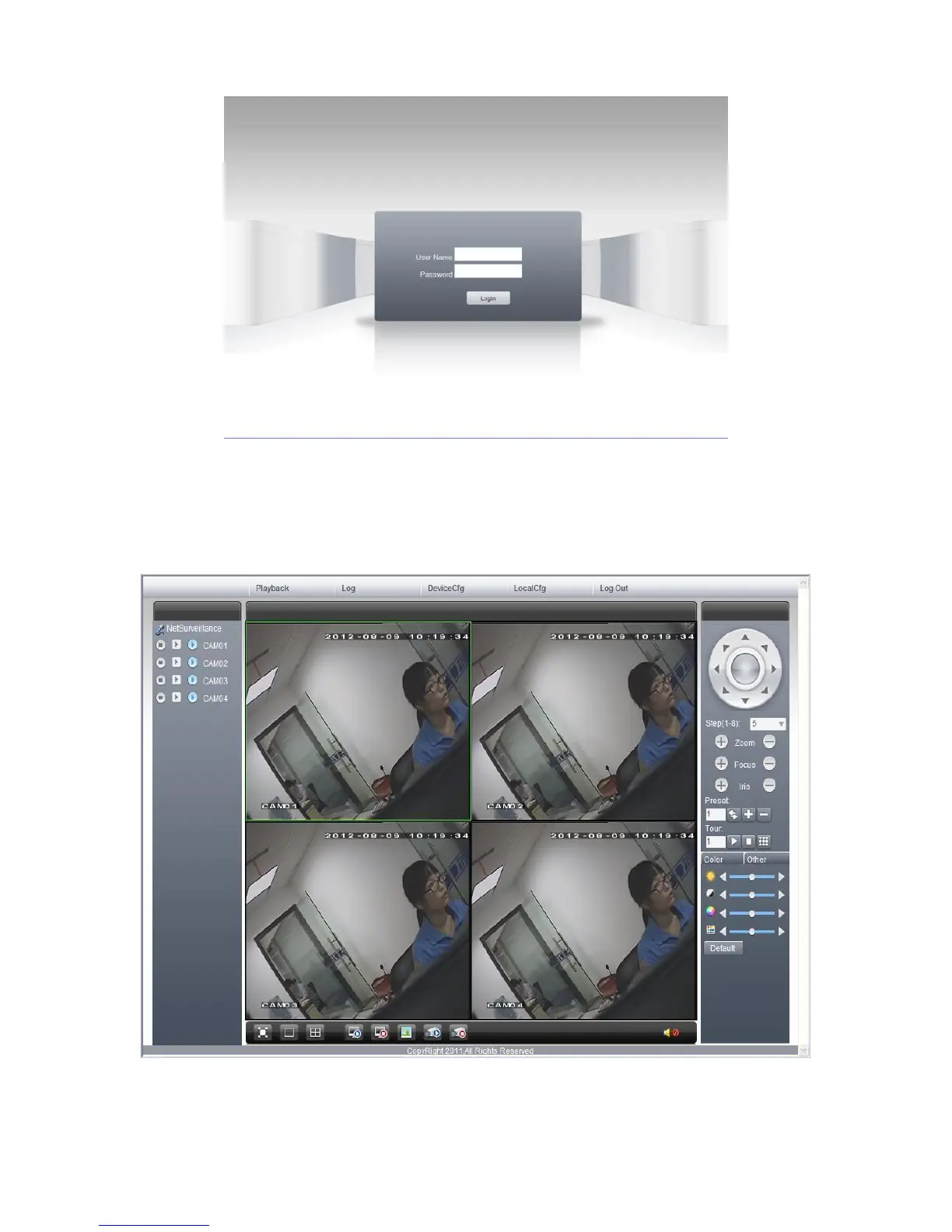
Pic.8 WEB login interface
Step 3: Log in, inputting user name and password. If you choose to link with all the videos after login, you
will need to choose network stream; for a LAN use main stream to transfer, for a WAN use the extra
stream to transfer. We suggest choosing extra stream if your network is poor. The default administration
input is ‘admin’, no password. User should revise the password of ‘admin’ after login. Below pic 9 is the
interface after successful login.
Pic.9 WEB interface



 To Next Page