14 / 16
5 Mobile Monitor
Introduces extra stream techniques when mobile monitoring, support channels switch (eg. Windows
mobile)
Step 1. DVR config, go to [Main Menu]->[System]->[Encode], enable Extra Stream.
Step 2. install mobile monitor software to cellphone, get the software from CD enclosed, (the software for
android mobile is XMEye.apk )
Note:
iPhone mobile monitoring software: use mobile to search " XMEye " in the App store and install it online.
Step 3. After successfully installing the software, click the XMEye program icon, which runs
the program
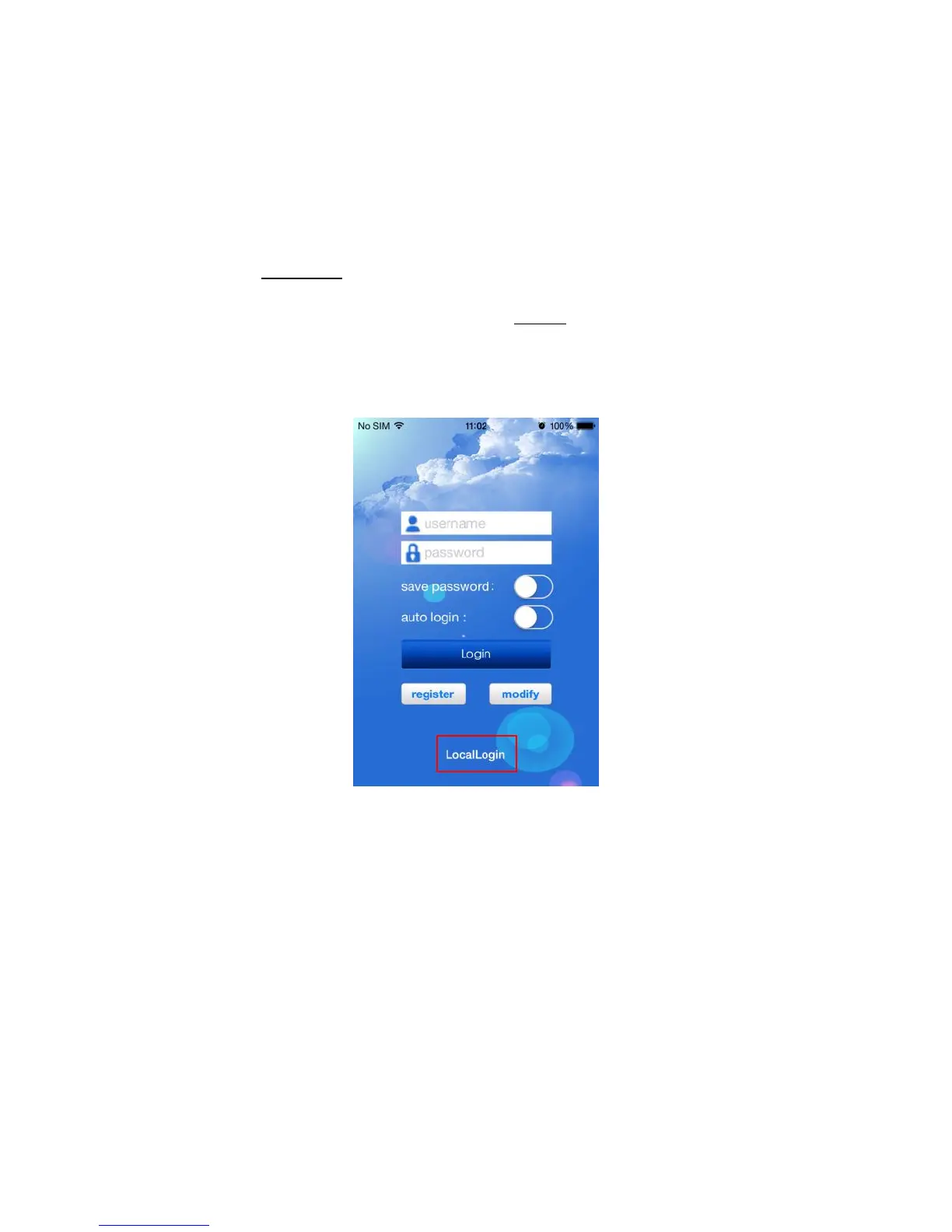
after the initial interface below:
Pic 13 Mobile client side interface
Step 4: click
“LocalLogin”
, and select “SerialNum”, then add device by scanning QR code of DVR.



 To Next Page