Conceptronic C54BRS4A User Manual
24
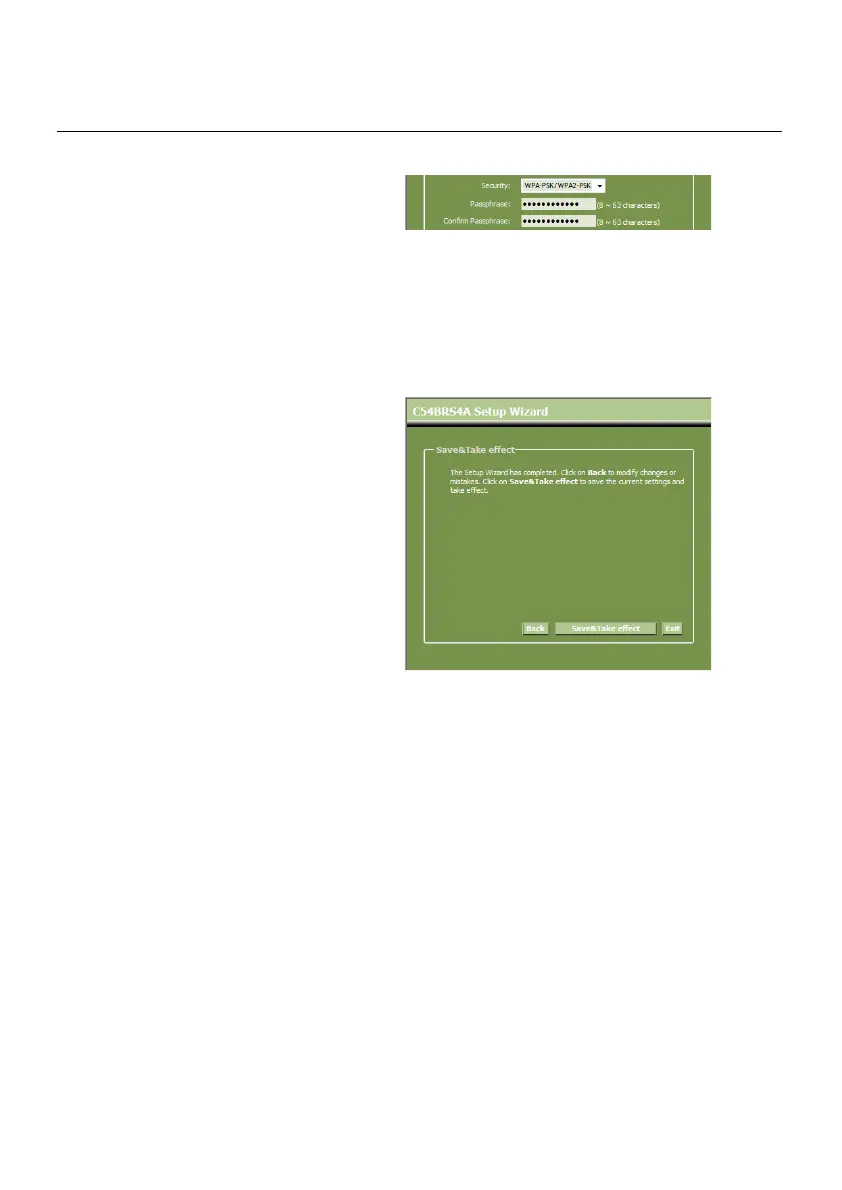
N. If you want to secure your network
with WPA-PSK or WPA2-PSK, select
“WPA-PSK”, “WPA2-PSK” or “WPA-
PSK/WPA2-PSK” from the drop-down
list.
Enter the Passphrase for your
encryption and confirm the
Passphrase in the second field.
Security – WPA-PSK / WPA2-PSK
O. When all Wireless settings are made, click “Next” to continue.
P. The Setup Wizard is now complete. If
you want to apply your settings, click
“Save & Take Effect”.
If you want to change any setting,
click “Back” to return to the previous
screen.
If you want to close the Setup Wizard
without any changes, click “Exit”.
When you select “Save & Take Effect”, the router will apply the configured settings. Please wait
for the message “Save Complete”.
Q. The configuration is now complete. Click “Close” to exit the Setup Wizard.
You will return to the “Device Settings” overview which will show you the configured settings for
your WAN and Wireless connection.



 To Next Page