39
INSTALLING SOFTWARE
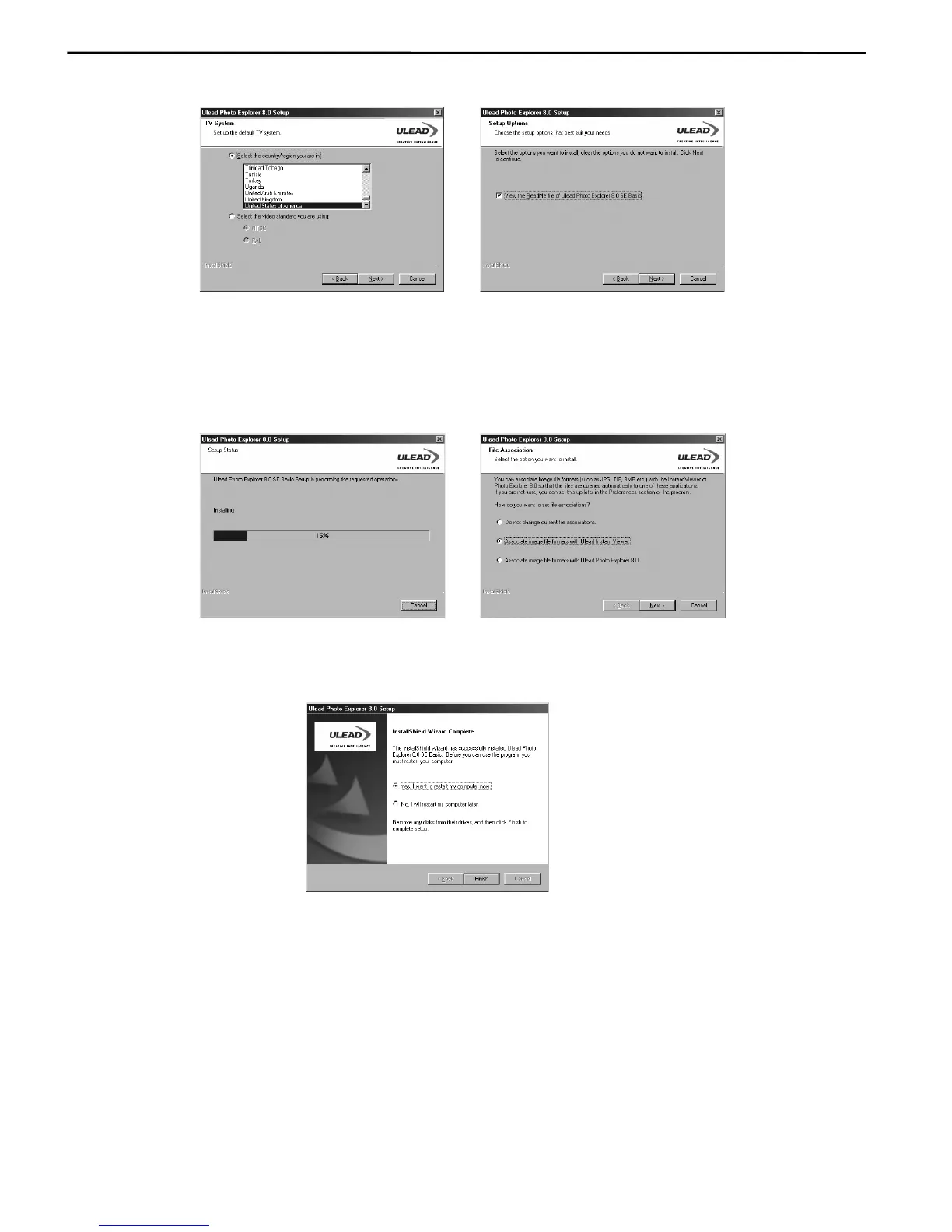
10. When the Setup Options window appears, Click Next to continue. (Fig. 2.0)
Fig. 1.9 Fig. 2.0
11. Now the installation starts. Please wait while the installing is in process. (Fig. 2.1)
12. When the File association window appears, select the option you want and then click Next to
continue. (Fig. 2.2)
Fig. 2.1 Fig. 2.2
13. When installation is completed, Click Finish and restart your computer.











 To Next Page