5. Operating instructions
5.1 Install/Remove the SIM card
● Power off the device, remove the battery and external power
● put the SIM card in the SIM card slot
Note: 1. Please use a GSM SIM card
2. SIM card in the device should be enabled for GPRS
3. Caller ID of the SIM card in the device should be on
Warning: turn off the device before removing the SIM card. It is forbidden to install or
remove the SIM card while the power is on, otherwise the SIM card may be damaged.
5.2 Power on
The device is designed without power key and it will be turned on after installing a battery.
5.3 Charge the battery
When the red LED on the device starts to flash quickly, the battery should be charged.
Please remember to charge it before the first use.
● Connect the charger to power
● connect the charger with the device
● The charging process will take about 4-6 hours.
● The device can work normally during charging. Red LED being light indicates that it is
charging. When charging is finished, red LED will flash slowly.
Warning:the ambient temperature shall be 0℃~40℃ while charging. Please use the
charger provided by the manufacturer.
5.4 Device installation
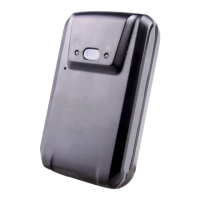
The device has a strong magnet in rear cover which could attach to any mental surface.


 To Next Page