EasyManua.ls Logo

Contax Tvs III - Red-Eye Reduction Auto-Flash Mode; Auto-Flash Mode

Contax Tvs III
67 pages
Print Icon
To Next Page IconTo Next Page
To Previous Page IconTo Previous Page
Loading...
^
#AUTO
@
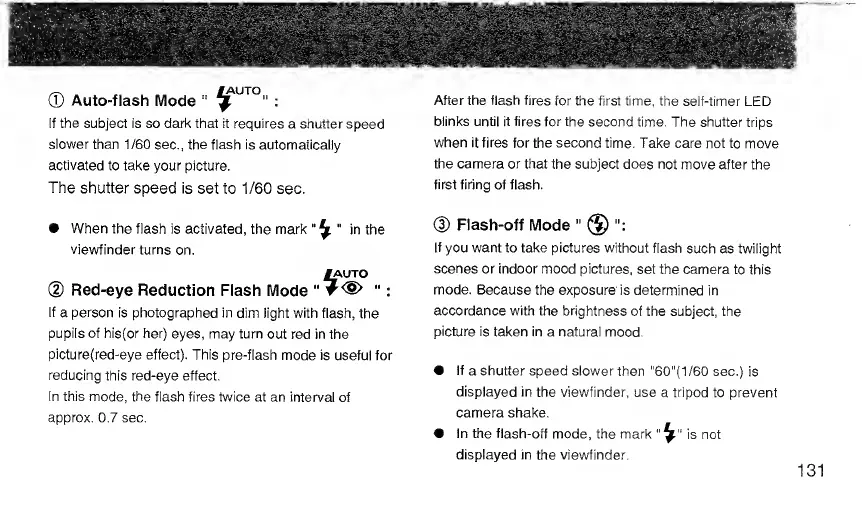
Auto-flash
Mode
"
^
:
If
the
subject
is
so
dark
that
it
requires
a
shutter
speed
slower
than
1/60
sec.,
the
flash
is
automatically
activated
to
take
your
picture.
The
shutter
speed
is
set
to
1/60
sec.
When
the
flash
is
activated,
the
mark
"
^
"
in
the
viewfinder
turns
on.
^UTO
(D
Red-eye
Reduction
Flash
Mode
"
"
:
If
a
person
is
photographed
in
dim
light
with
flash,
the
pupils
of
his{or
her)
eyes,
may
turn
out
red
in
the
picture(red-eye
effect).
This
pre-flash
mode
is
useful
for
reducing
this
red-eye
effect.
In
this
mode,
the
flash
fires
twice
at
an
interval
of
approx.
0.7
sec.
After
the
flash
fires
for
the
first
time,
the
self-timer
LED
blinks
until
it
fires
for
the
second
time.
The
shutter
trips
when
it
fires
for
the
second
time.
Take
care
not
to
move
the
camera
or
that
the
subject
does
not
move
after
the
first
firing
of
flash.
(D
Flash-off
Mode
"
@
If
you
want
to
take
pictures
without
flash
such
as
twilight
scenes
or
indoor
mood
pictures,
set
the
camera
to
this
mode.
Because
the
exposure
is
determined
in
accordance
with
the
brightness
of
the
subject,
the
picture
is
taken
in
a
natural
mood.
If
a
shutter
speed
slower
then
"60"(1/60
sec.)
is
displayed
in
the
viewfinder,
use
a
tripod
to
prevent
camera
shake.
In
the
flash-off
mode,
the
mark
is
not
displayed
in
the
viewfinder.

Related product manuals