EasyManua.ls Logo

Contax Tvs III - Setting the Custom Function

Contax Tvs III
67 pages
Print Icon
To Next Page IconTo Next Page
To Previous Page IconTo Previous Page
Loading...
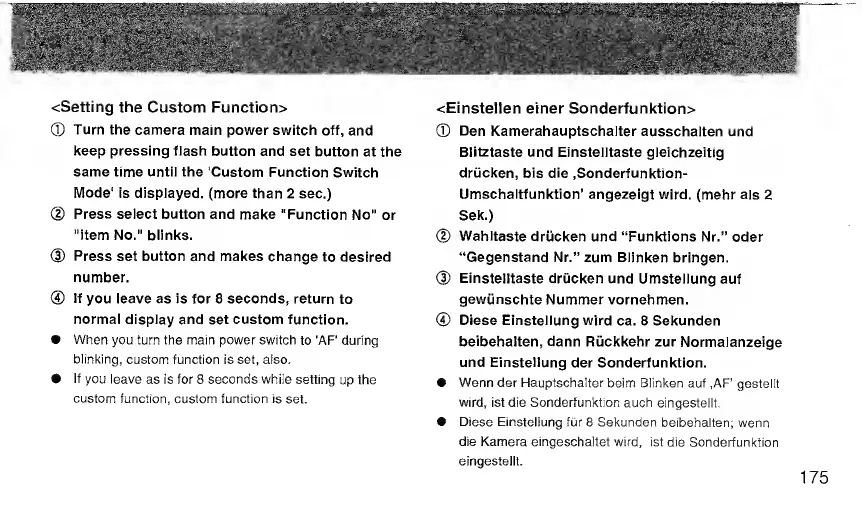
<Setting
the
Custom
Function>
®
Turn
the
camera
main
power
switch
off,
and
keep
pressing
flash
button
and
set
button
at
the
same
time
until
the
'Custom
Function
Switch
Mode'
is
displayed,
(more
than
2
sec.)
@
Press
select
button
and
make
"Function
No"
or
"item
No."
blinks.
®
Press
set
button
and
makes
change
to
desired
number.
®
If
you
leave
as
is
for
8
seconds,
return
to
normal
display
and
set
custom
function.
When
you
turn
the
main
power
switch
to
'AF'
during
blinking,
custom
function
is
set,
also.
if
you
leave
as
Is
for
8
seconds
while
setting
up
the
custom
function,
custom
function
is
set.
<Einstellen
einer
Sonderfunktion>
®
Den
Kamerahauptschaiter
ausschalten
und
Biitztaste
und
Einstelltaste
gleichzeitig
driicken,
bis
die
.Sonderfunktion-
Umschaltfunktion’
angezeigt
wird.
(mehr
als
2
Sek.)
@
Wahitaste
driicken
und
“Funktions
Nr.”
Oder
“Gegenstand
Nr.”
zum
Blinken
bringen.
®
Einstelltaste
driicken
und
Umstellung
auf
gewunschte
Nummer
vornehmen.
®
Diese
Einstellung
wird
ca.
8
Sekunden
beibehalten,
dann
Riickkehr
zur
Normalanzeige
und
Einstellung
der
Sonderfunktion.
Wenn
der
Hauptschalter
beim
Blinken
auf
,AF'
gestellt
wird,
ist
die
Sonderfunktion
auch
eingestellt.
Diese
Einstellung
fiir
8
Sekunden
beibehalten;
wenn
die
Kamera
eingeschaltet
wird,
ist
die
Sonderfunktion
eingestellt.

Related product manuals