Edition 05/2021 – CC200 D – Notice technique – page 13
SACOME, Document CONFIDENTIEL, Ne peut être reproduit ni communiqué sans notre accord préalable.
9. PROGRAMMING PARAMETERS OF TECHNICAL MENU:
Machine must be in Eco mode (keep pressing MENU button and press ENTER to be in ECO mode).
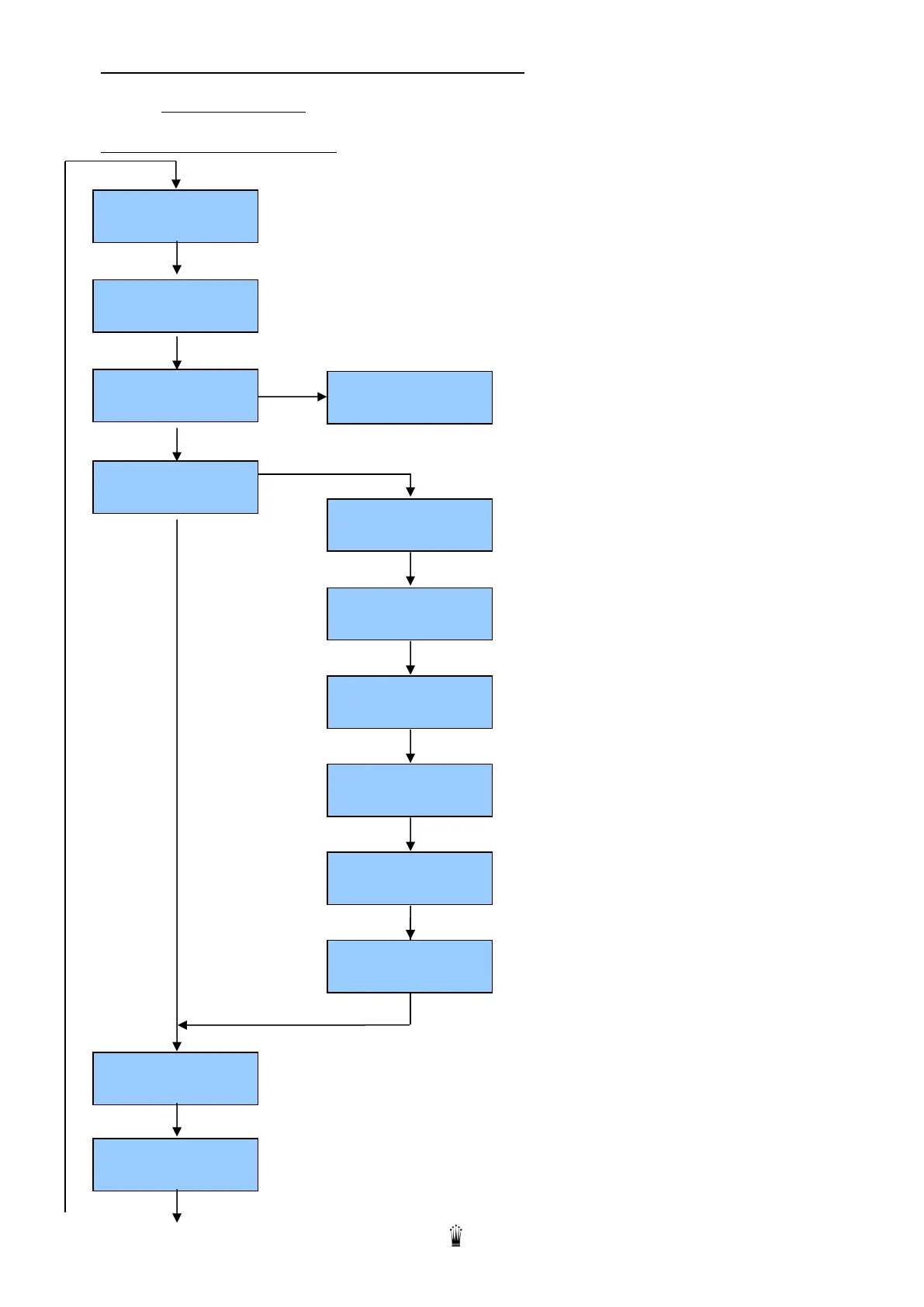
9.1. FLOW CHART TECHNICAL MENU
Press MENU on group n°1 for 10 sec to access technical menu
+ or - : type name
Press ENTER to go right
+ or - : to choose character
+ or - : type service phone number
Press ENTER to go right
+ or - : to choose character
+ or -: set language (English (GB- USA), French (F), German, Italian)



 To Next Page