30
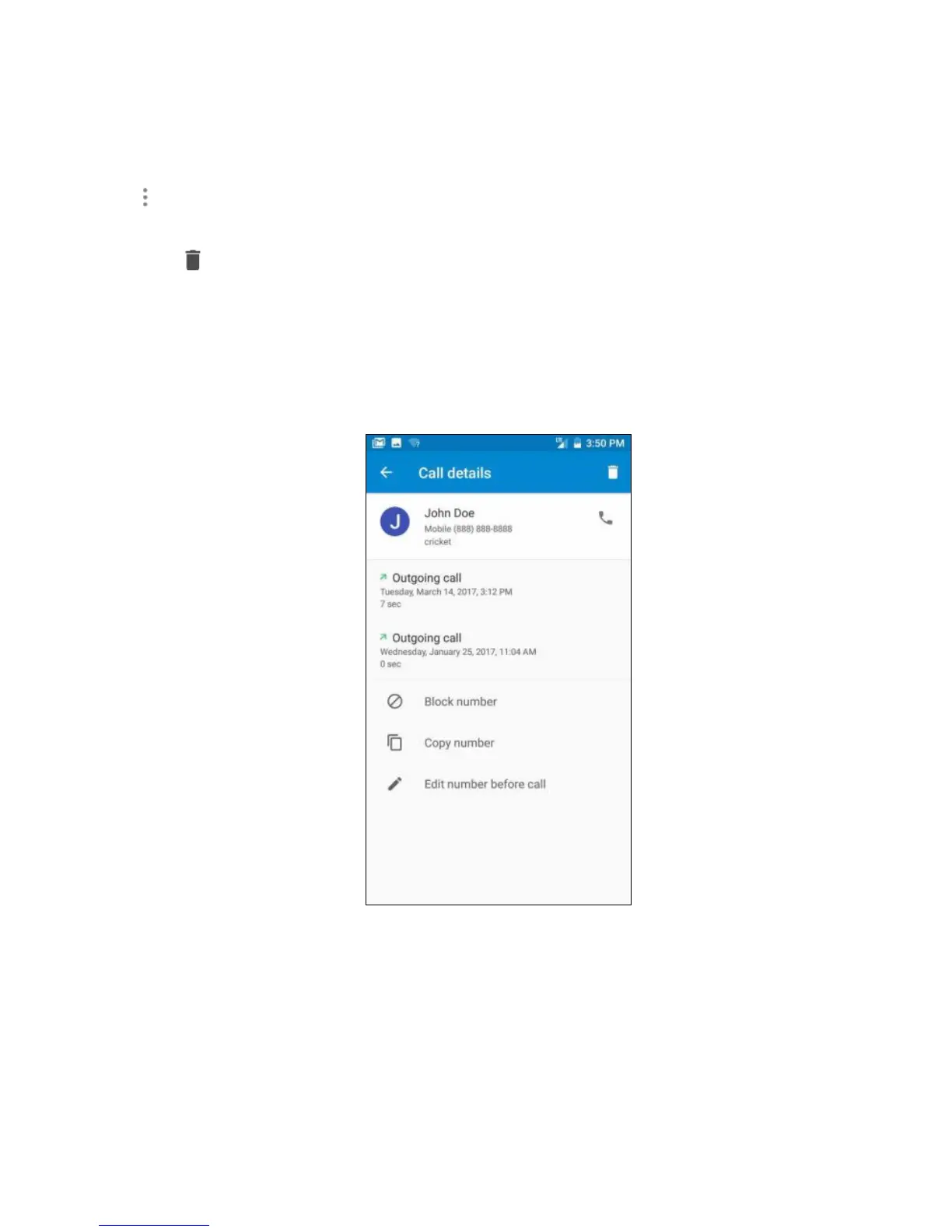
Tap and then choose Call History. Once in Call History, tap a number or contact, and then
tap Call details for information about the call.
1. Tap to delete the call from your call log.
2. Tap Block number to no longer receive calls or texts from this number.
3. Tap Copy number to copy the number to your clipboard.
4. Tap Edit number before call, to make changes to the call back number.



 To Next Page