38
Email
Getting familiar with your Email app
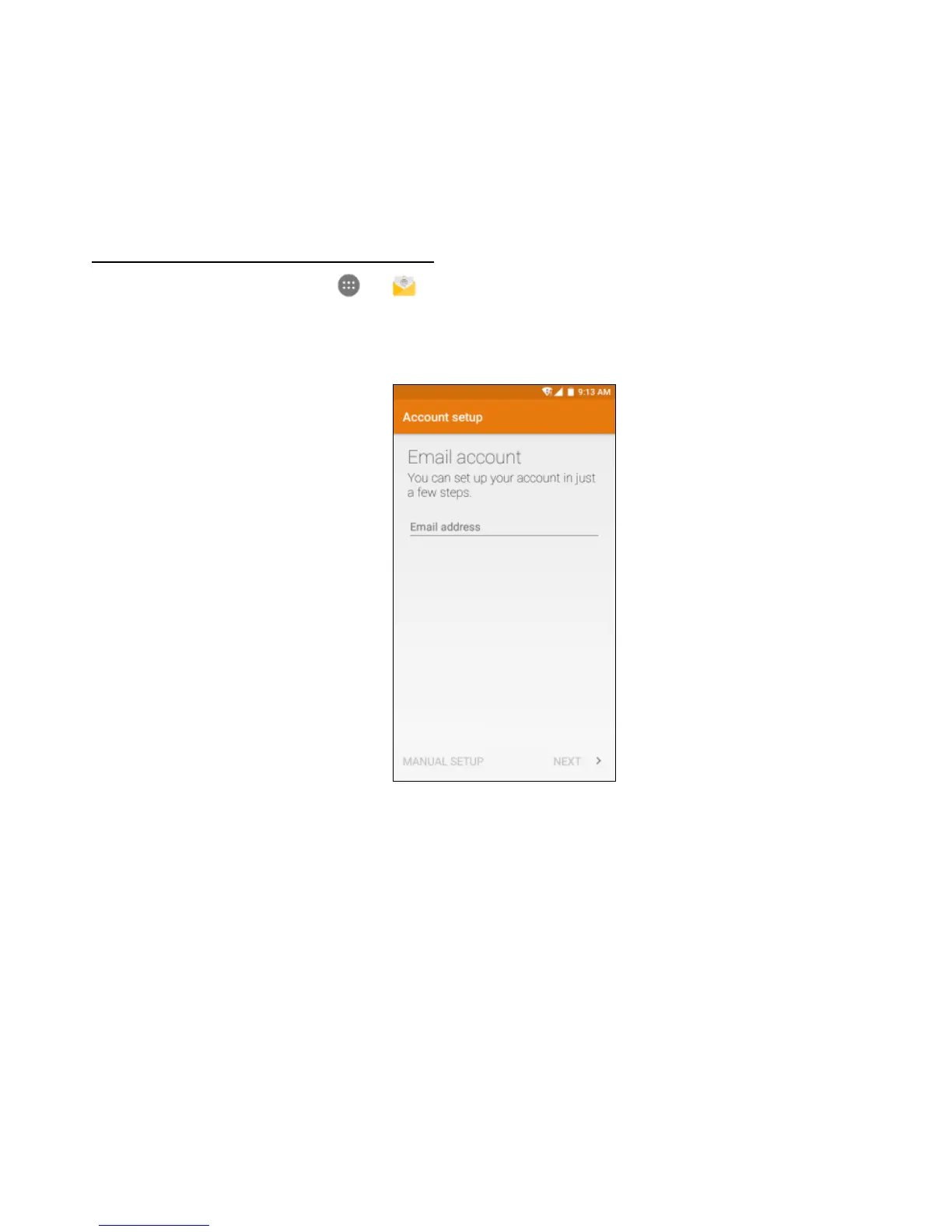
From the Home screen, tap > to enter the Email screen.
When using it for the first time, you need to enter your email address and password to
configure an account.
1. In the Email screen, tap the email type and enter your email address and password.
2. Tap NEXT to allows the phone retrieve network parameters automatically. Note:
You can also enter these details manually by tapping MANUAL SETUP.
3. Follow the on-screen instructions to finish setup.
4. Your phone will then show the inbox of the account and begin to download emails.



 To Next Page