42
Calendar
Use Calendar to create and manage events, meetings, and appointments. Your Calendar helps
organize your time and reminds you of important events. From the Home screen, tap >
to enter the Calendar screen.
• If you have synced your Gmail account, the first time you open the Calendar app on
your phone; it will show your current calendar events.
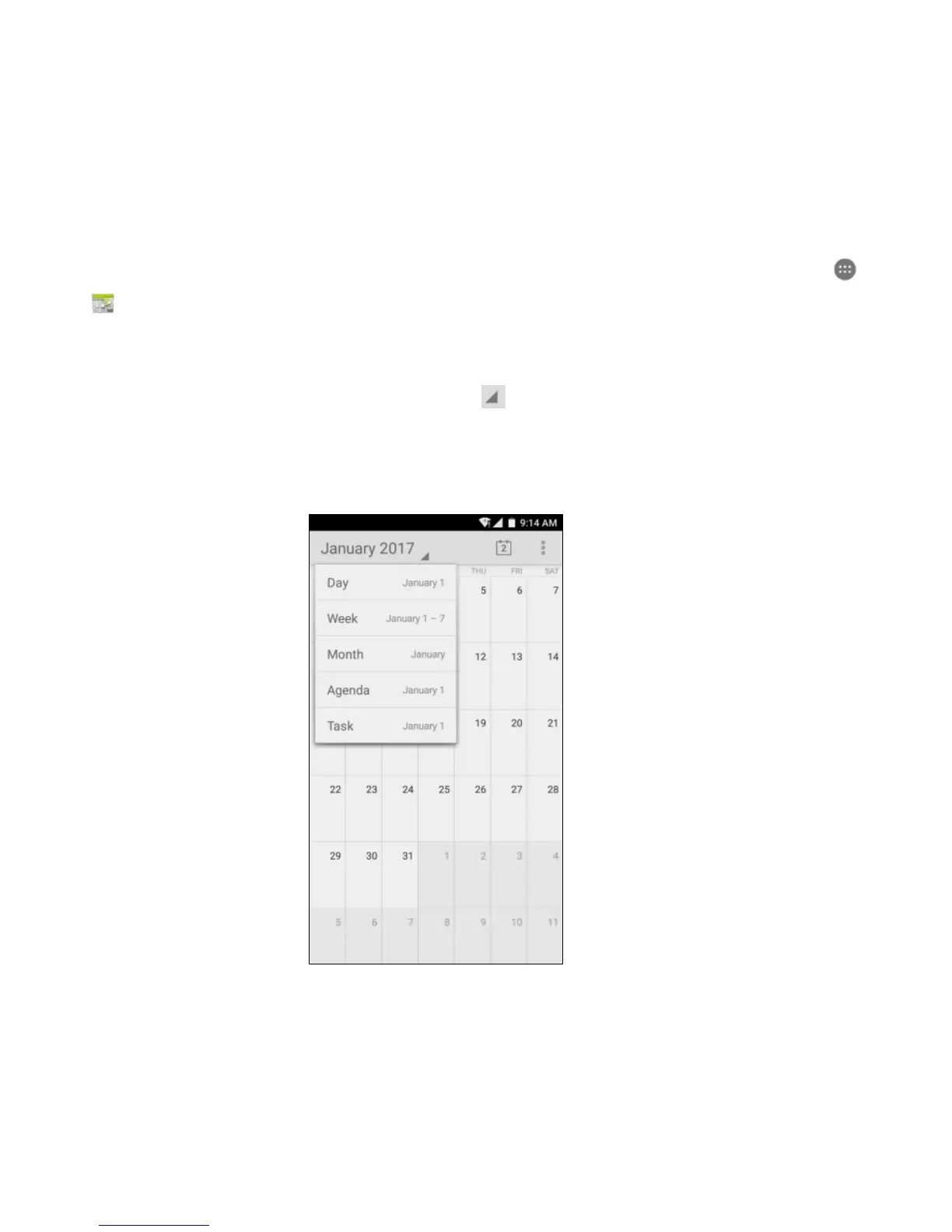
• To modify the Calendar view, tap and choose Day, Week, Month, Agenda or
Task from the top left of the Calendar screen.
• View or edit event details by tapping an Event.



 To Next Page