31
Contacts
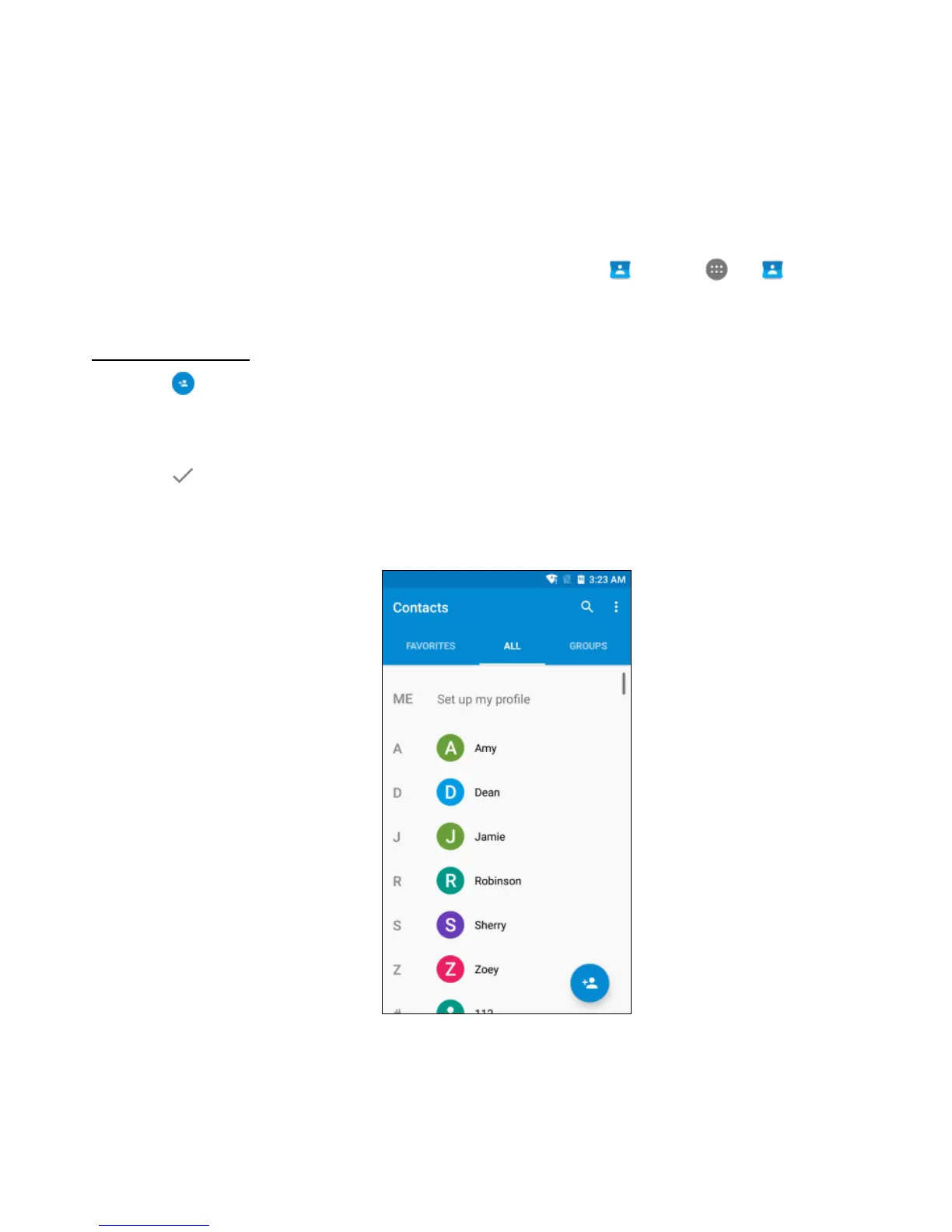
The Contacts app easily saves all your important contact information including contact names,
numbers, and email addresses. From the Home screen, tap or tap > to enter the
Contacts screen.
Adding a contact
1. Tap at the lower right corner of the Contacts screen to add a new contact.
2. Enter all available information such as the contact’s name, phone number(s), email
address and picture.
3. Tap to save.
Note: To add a phone number to the contacts list from the keypad, enter the number and tap
Create new contact.



 To Next Page