46
Clock
From the Home screen, tap > to enter the Clock screen. You can set alarms, check the
current time in various cities around the world, set a timer or use the stopwatch.
Operating the alarm
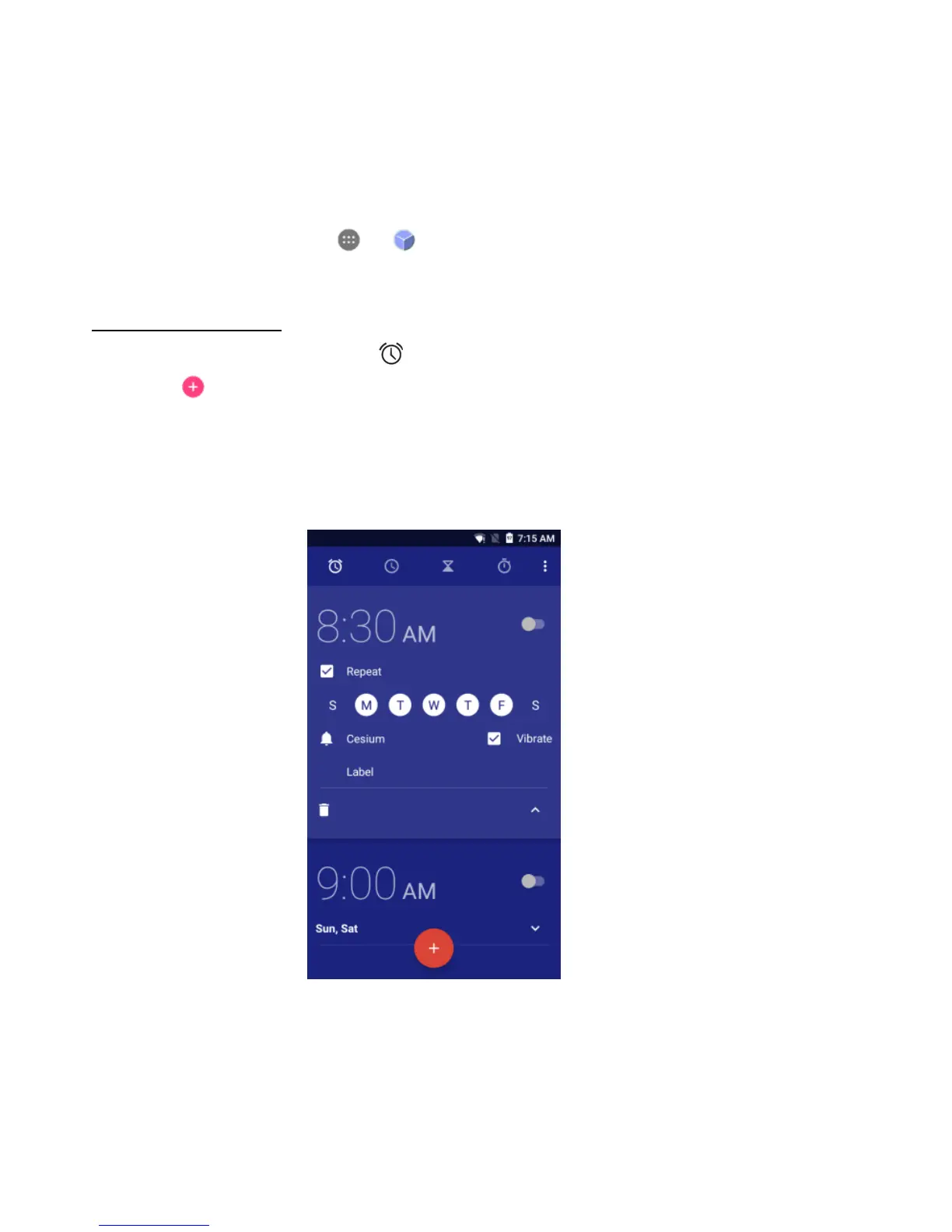
1. From the Clock screen, tap to switch to the Alarm tab.
2. Tap and tap the time displayed to set your alarm.
3. Once your alarm is set, you may add a label to it.
4. Tap the Vibrate check box and choose your ringtone from the Cesium pop-up screen.



 To Next Page