34
Messaging
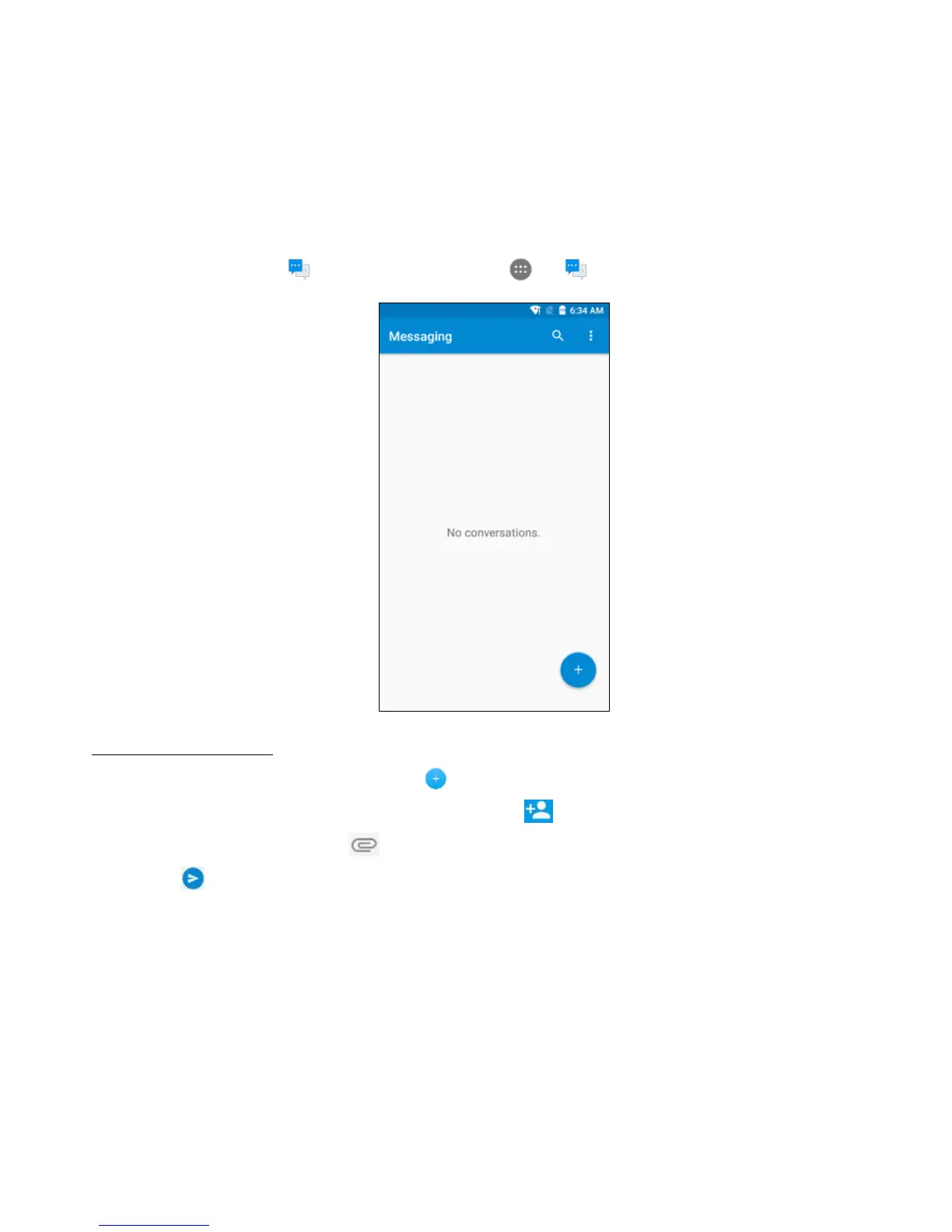
Use the Messaging app to send text messages (SMS) or multimedia messages (MMS). From
the Home screen, tap at the bottom or tap > to enter the Messaging screen.
Creating a message
1. From the Messaging screen, tap .
2. Enter the recipient's number or you can tap to select contacts.
3. Add your message. Tap to attach media files such as an image, contacts and slides.
4. Tap to send the message.
Note: An SMS will be sent as an MMS when media files are added.



 To Next Page