45
Photos
In the Photos application, you can view, manage and edit photos and videos stores in your
phone. From the Home screen, tap > to enter the Photos screen.
• To delete an image or a video, select an image or a video, tap on the top right
of the Photos screen and tap Delete.
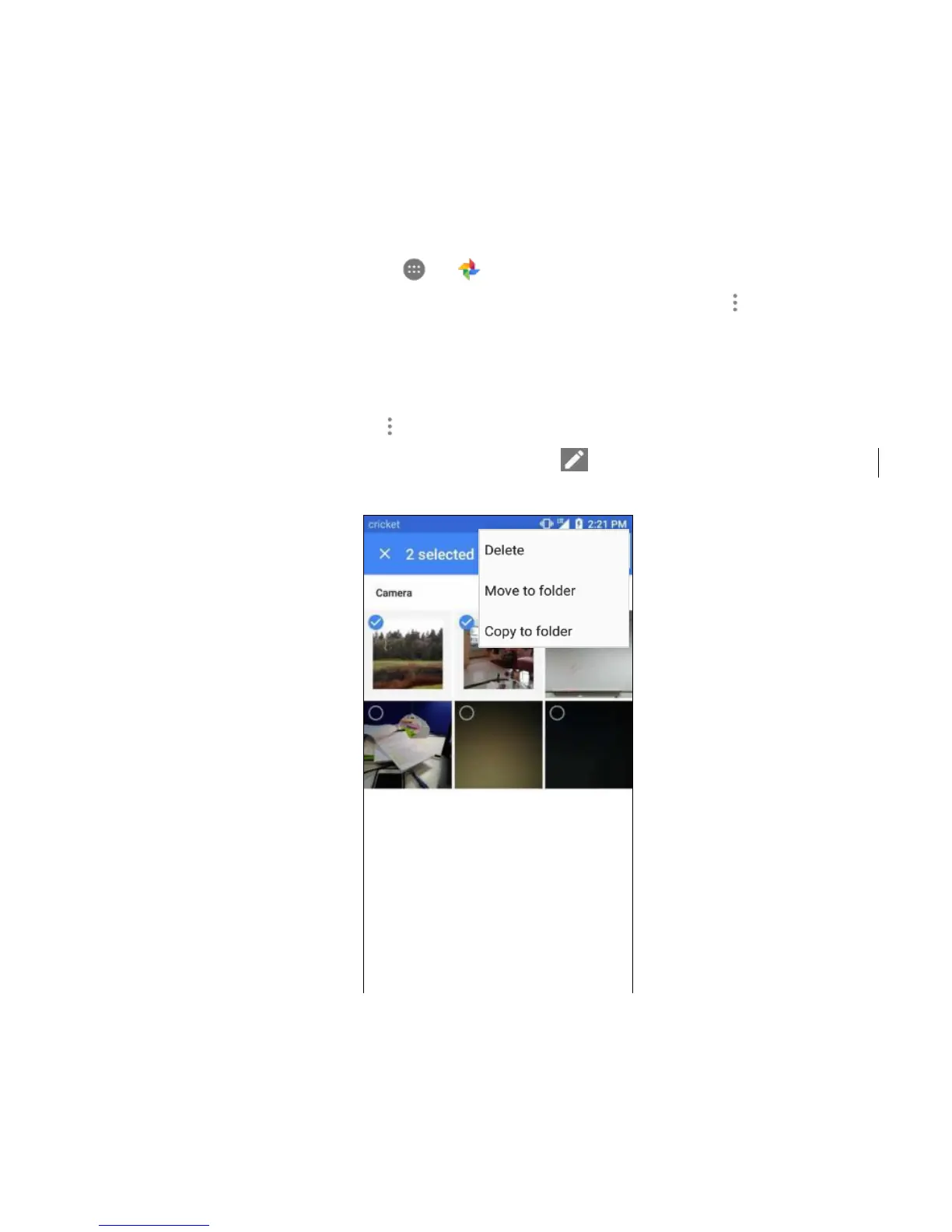
• To delete multiple images and videos, tap and hold any image or video to delete,
and tap the other images or videos you would like to remove. A check mark icon
will appear. Then tap on the top right of the Photos screen and tap Delete.
• To edit an image, select an image, tap Edit , select the options and tap SAVE.



 To Next Page