47
Downloads
You can download files from Gmail or other areas. From the Home screen, tap > to
enter the Downloads screen where you can view your downloaded files.
• Open a file: From the Downloads screen, tap an item to open it.
• Share a file: Tap and hold an item until appears, and then tap it to share the item
through one of the many sharing methods.
• Delete a file: Tap and hold an item until appears, and then tap it to delete the item.
• Sort files: Tap > By name or By date modified to sort the downloaded items.
Calculator
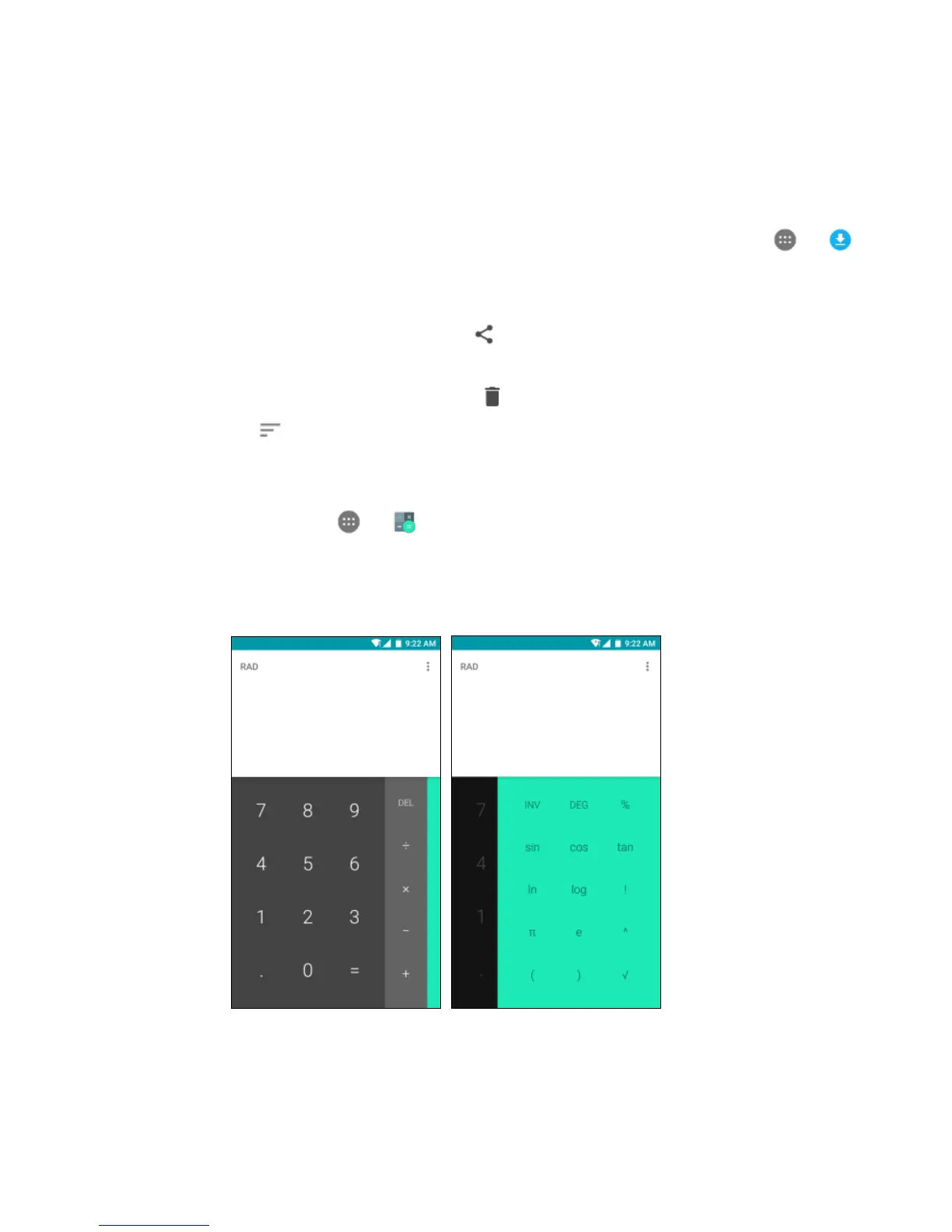
From the Home screen, tap > to enter the Calculator screen. You can perform simple
or complex calculations.
• Swipe left to display the scientific calculator.



 To Next Page