32
Managing contacts
Searching for a contact
1. From the Contacts screen, tap Search .
2. Enter keywords in the search box. Search results will be displayed below the search
bar.
Note: You can also slide the scroll bar at the right of Contacts to quickly search for a contact.
Adding a contact to favorites
You can add contacts you use frequently to favorites so that you can find them quickly.
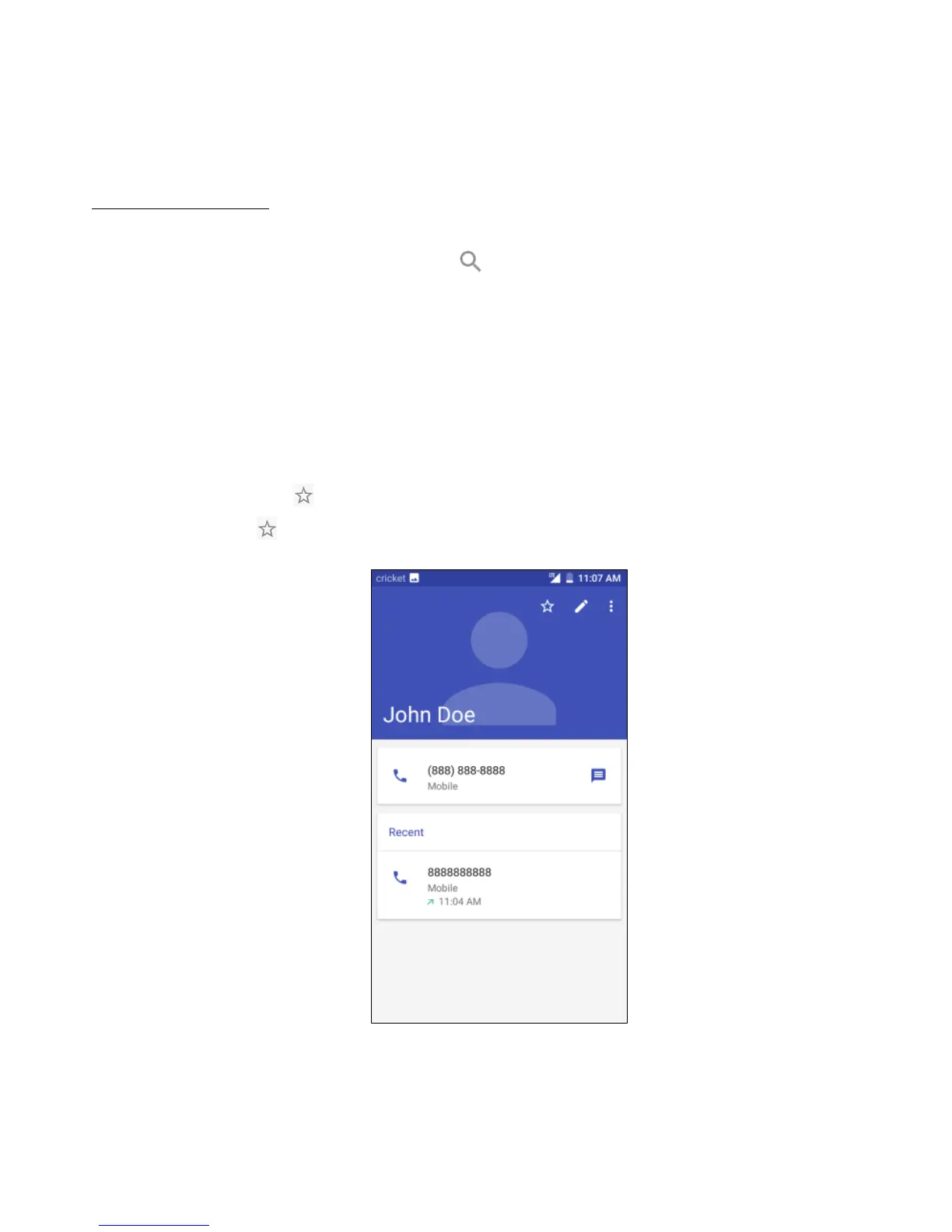
1. From the Contacts screen, tap the contact to enter the detailed screen.
2. Tap the star icon at the top right corner to add that contact to your favorites. Tap
the star icon again to remove the contact from favorites.



 To Next Page