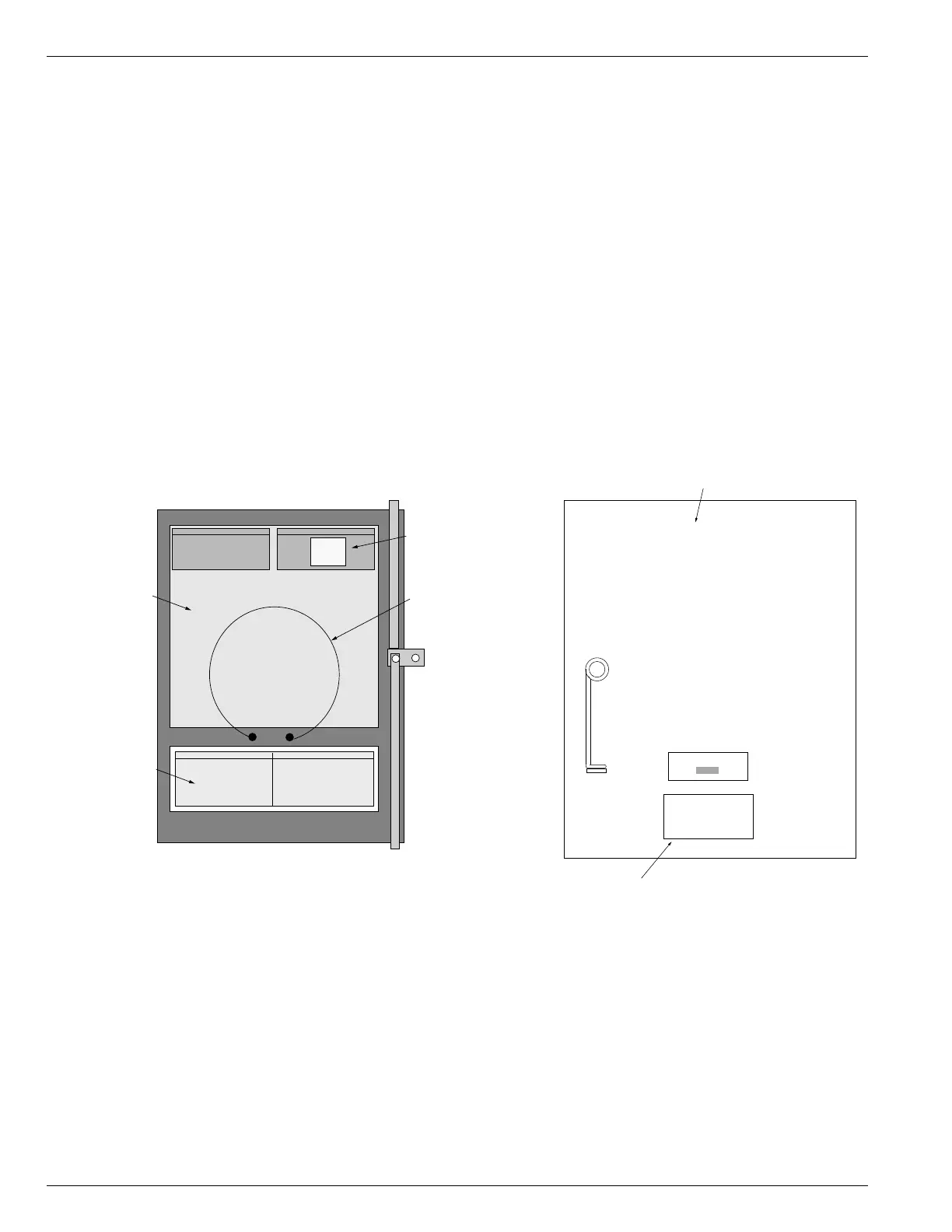
Application of New Control
Labels
To reflect the new features available in the Form 4C
Control, new labels must be added to the unit’s inside
door panel.
1. Remove the document spring clip on the inside of the
control door panel. Retain spring clip for re-installa-
tion at the end of this procedure.
2. Clean the inside of the door panel with isopropanol
alcohol to remove excess dirt and contaminants from
the original accessory label surface.
3. Apply the new accessory label KME4-1235 to the
inside door panel as shown in Figure 3.
4. Apply the malfunction code label KME4-1214 to the
inside door panel as shown in Figure 3.
5. If the control is equipped with the optional I/O acces-
sory, place label KME4-1133 as shown in Figure 3. (If
optional I/O accessory is not installed, discard label
KME4-1133).
6. Re-install the spring clip on the inside door panel.
7. Clean the area directly below the nameplate on the
front door of the control cabinet.
8. Apply the kit label KME4-1110 directly below the
nameplate on the cabinet front door panel.
Kyle
®
Type Form 4C Recloser Control Front Panel Replacement Kit KME4-701
INSTALLATION
4



 To Next Page