Programming and Testing the
Installed Kit
Note: Follow the testing and programming procedures in
S280-77-1 Kyle Form 4C Microprocessor-Based
Recloser Control Installation and Operation Instructions
before placing the control back in service.
1. Reconnect the battery connector.
2. Energize the control with AC power.
3. Program the control. Refer to S280-77-4 Kyle
®
Form
4C Microprocessor-Based Recloser Control
Programming Guide for further information.
4. Test the control with the Kyle
®
Type MET Electronic
Control Tester (or equivalent) to verify proper pro-
gramming and operation
5. After all programming and testing has been success-
fully completed, the control may be reinstalled and
placed into service. Refer to S280-77-1 Kyle Form 4C
Microprocessor-Based Recloser Control Installation
and Operation Instructions.
Troubleshooting
If the front panel fails to operate properly, review the trou-
bleshooting information in Table 2 prior to contacting your
Cooper Power Systems representative.
S280-77-13
7
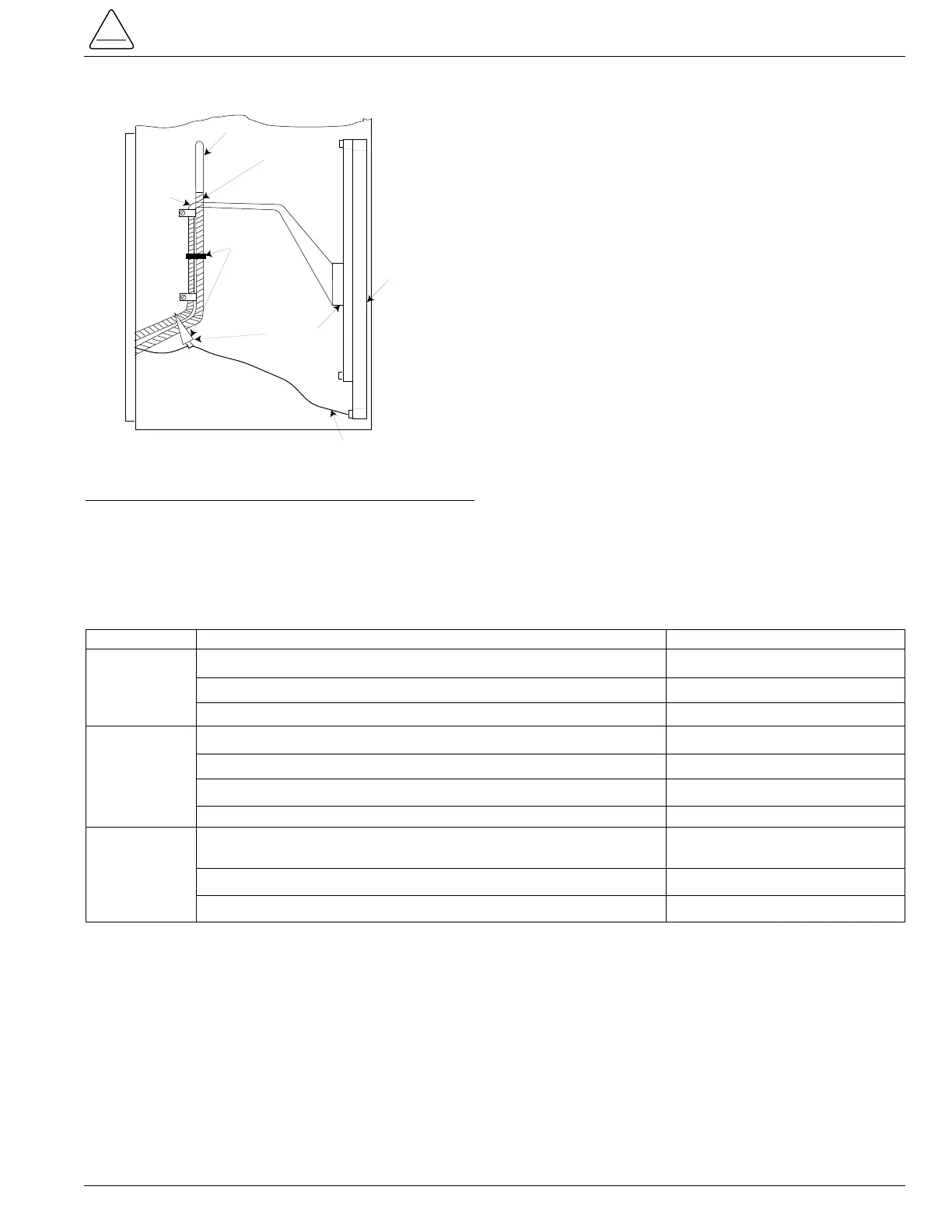
Figure 5.
Securing with Ty-wraps.
Problem Possible Causes Remedy
No power to control. Neon lamp on power supply should be “ON”. Connect power.
Cable to power supply P12 not connected. Connect plug.
Cables incorrectly attached or damaged. Inspect all cables.
Battery left connected without 120 Vac supplied to control. Contact Cooper Power Systems.
Battery drained. Contact Cooper Power Systems.
Battery disconnected. Connect battery.
Cables incorrectly attached or damaged. Inspect all cables.
Incorrect program parameters. Verify unit was programmed
correctly. Refer to S280-77-4*.
Cables incorrectly attached or damaged. Inspect all cables.
Cable socket pins bent. Inspect / straighten pins.
Display Will
Not Turn
On
Malfunction
Display ON
and Check
Battery
Display ON
Unit Failed
KMET
Testing
* S280-77-4 Kyle
®
Form 4C Microprocessor-Based Recloser Control Programming Guide
TABLE 2
Troubleshooting Information



 To Next Page