EasyManua.ls Logo

Coredy R700 - User Manual

Coredy R700
49 pages
Print Icon
To Next Page IconTo Next Page
Loading...
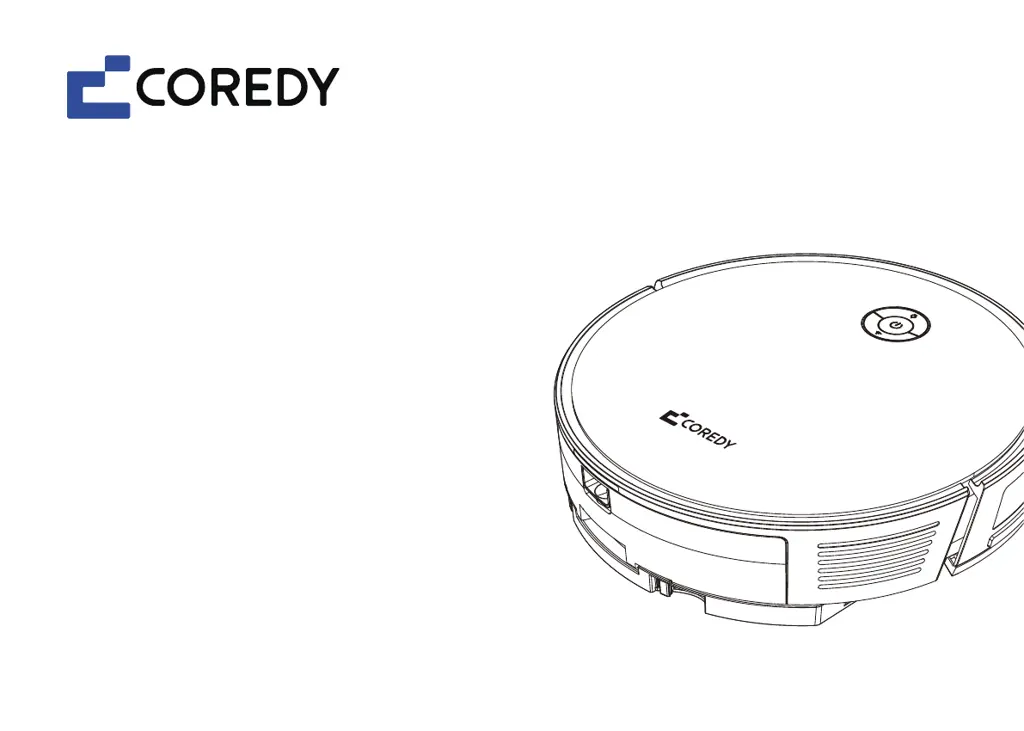
Robot Vacuum Cleaner
Robot aspirador
R Pro Series
User's Manual
Manual del usuario

Other manuals for Coredy R700

Questions and Answers

Summary

1. Important Safety Information

1.1 Use Restrictions

Defines where and how the robot should not be used.

1.2 Battery and Charging

2. About Your Coredy Robot

2.1 Robot

Explains the robot's physical controls and basic operational functions.

2.1.a Top

2.1.b Bottom

2.1.c 2-IN-1 Dust Bin;Water Tank

2.1.d Charging Dock

2.1.e Remote Control

2.2 Accessories

2.3 LED Indication

3. Using Your Coredy Robot

3.1 Important Tips Before Use

Provides essential pre-cleaning advice and safety preparations for using the robot.

3.2 Getting Started

3.3 Use Your Coredy Robot with the Coredy Robot App

1. Create a User Account

Details the process of creating an account within the Coredy Robot App.

2. Add Device

3. Wi-Fi Connection

4. Reset the Wi-Fi Connection

5. Wi-Fi Status Light

3.4 Start;Stop Cleaning

3.5 Select a Cleaning Mode

Random Cleaning Mode

Spot Cleaning Mode

Edge Cleaning Mode

3.6 Select a Cleaning Preference

3.7 Select Boost-Intellect Feature

3.8 Schedule Cleaning

a. Set the remote controls clock

b. Set cleaning schedule

c. Cancel the cleaning schedule

3.9 Manual Control

3.10 Use Mopping Module

3.11 Use Your Coredy Robot with Self-Empty Station*

3.12 Use Your Coredy Robot with Amazon Alexa; Google Assistant

Using Amazon Alexa

Step-by-step guide to connect and use the robot with Amazon Alexa.

Using Google Assistant

3.13 Reset the Robot

4. Care and Maintenance

4.1 Emptying 2-IN-1 Dust Bin; Water Tank

4.2 Washing the Mopping Module and Mopping Cloth

4.3 Cleaning the Side Brushes

4.4 Cleaning the Cliff Sensors, Bumper and Charging Contacts

4.5 Cleaning the Rolling Brush

4.6 Battery and Charging Information

Battery Disposal

Information on how to properly dispose of the robot's battery.

Battery Replacement

Information on where to purchase replacement batteries and accessories.

Battery Removal

Detailed steps for safely removing and reinstalling the robot's battery.

5. Troubleshooting

6. Wi-Fi Connection

7. Specifications

Coredy R700 Specifications

General IconGeneral
BrandCoredy
ModelR700
CategoryVacuum Cleaner
Battery Capacity2600mAh
Run Time120 minutes
Dustbin Capacity600ml
Filter TypeHEPA Filter
Weight5.5 lbs
Climbing Ability15mm
ConnectivityWi-Fi
Remote ControlYes
Auto RechargeYes
Scheduled CleaningYes
Charging Time300 minutes
Control MethodApp & Remote Control

Related product manuals