WLAPGMN User Manual
11
This section take Windows XP for instance. Before starting, you have to
set up TCP/IP and web browser first. The steps as below:
Step1. Setting TCP/IP
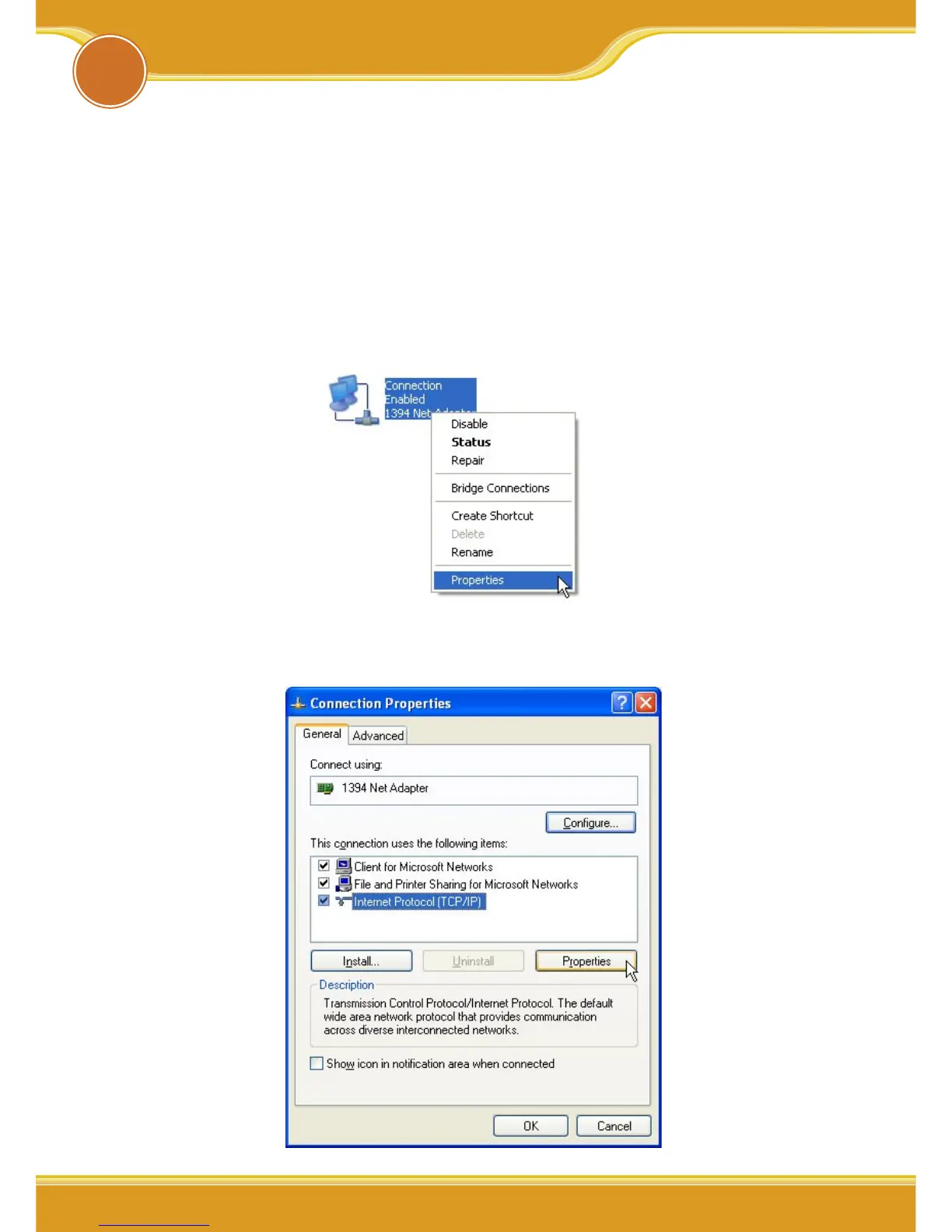
1. From the [Start Menu], select [Settings] => select [Control
Panel]=>select [Network]=> select [Connections], => click and press
right button of the mouse, and select [properties].
2. In [General] tab, Please select [Internet Protocol (TCP/IP)]=> click
[Properties].
4
Setting Utility Program


 To Next Page