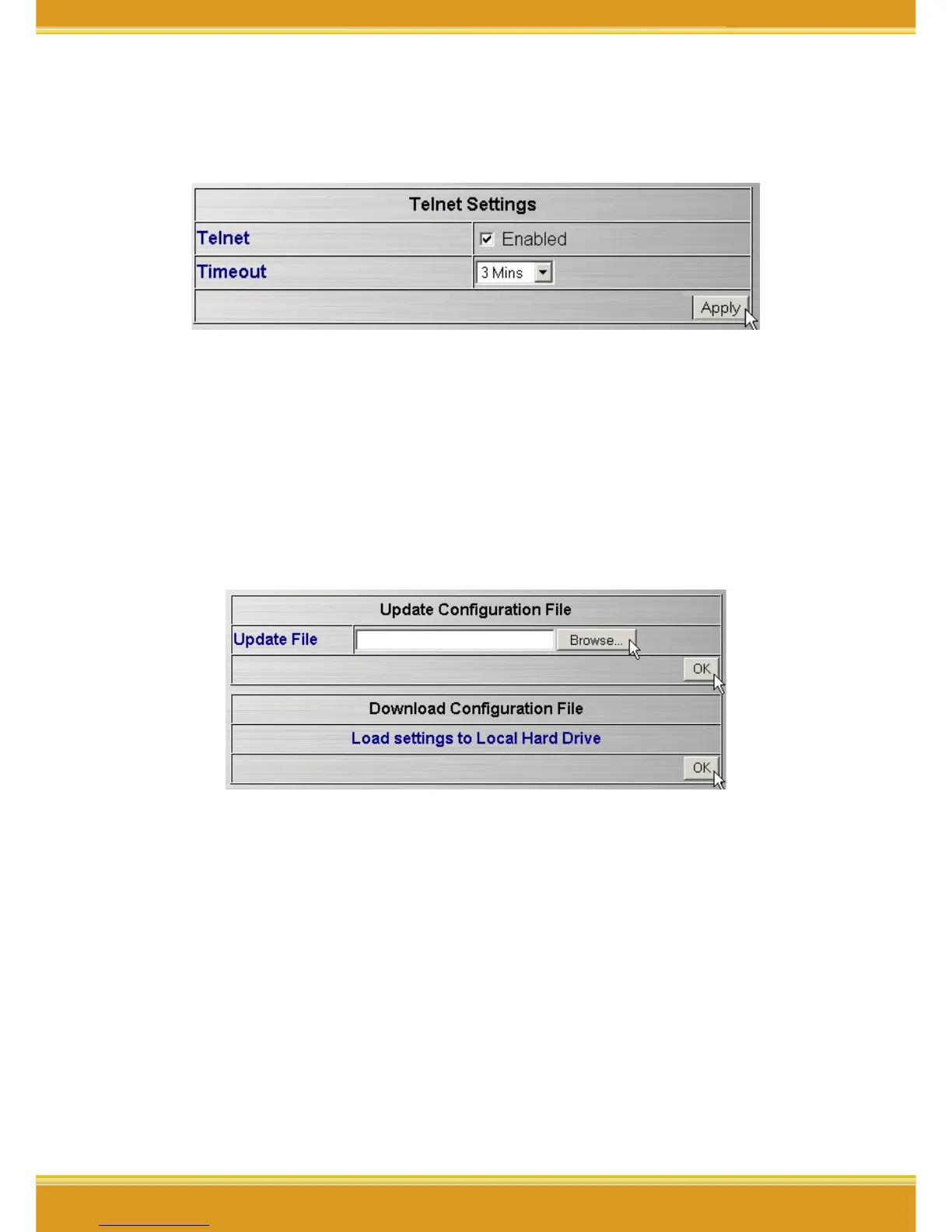
<Misc>
Click[Advanced]->[Management]-[Misc], once configure completed,
click [Apply].
* Note: If any setting has been changed, you have to click [Reboot]-
>[Restart] to save the changes.
4.3.3 Maintenance
<Update Firmware>
Click[Advanced]->[Maintaince]->[Update Firmware]-
>[Browse]=>select the path of the firmware file , =>click [OK].
* Note: If any setting has been changed, you have to click [Reboot]-
>[Restart] to save the changes.
<Configuration File>
1. Update file: Click[Advanced]->[Maintaince]->[Configuration File]-
>[Browse]=>select the path of the file , =>click [OK].
2. Download configuration File, click second [OK].
* Note: If any setting has been changed, you have to click [Reboot]-
>[Restart] to save the changes.
<Restart System>



 To Next Page