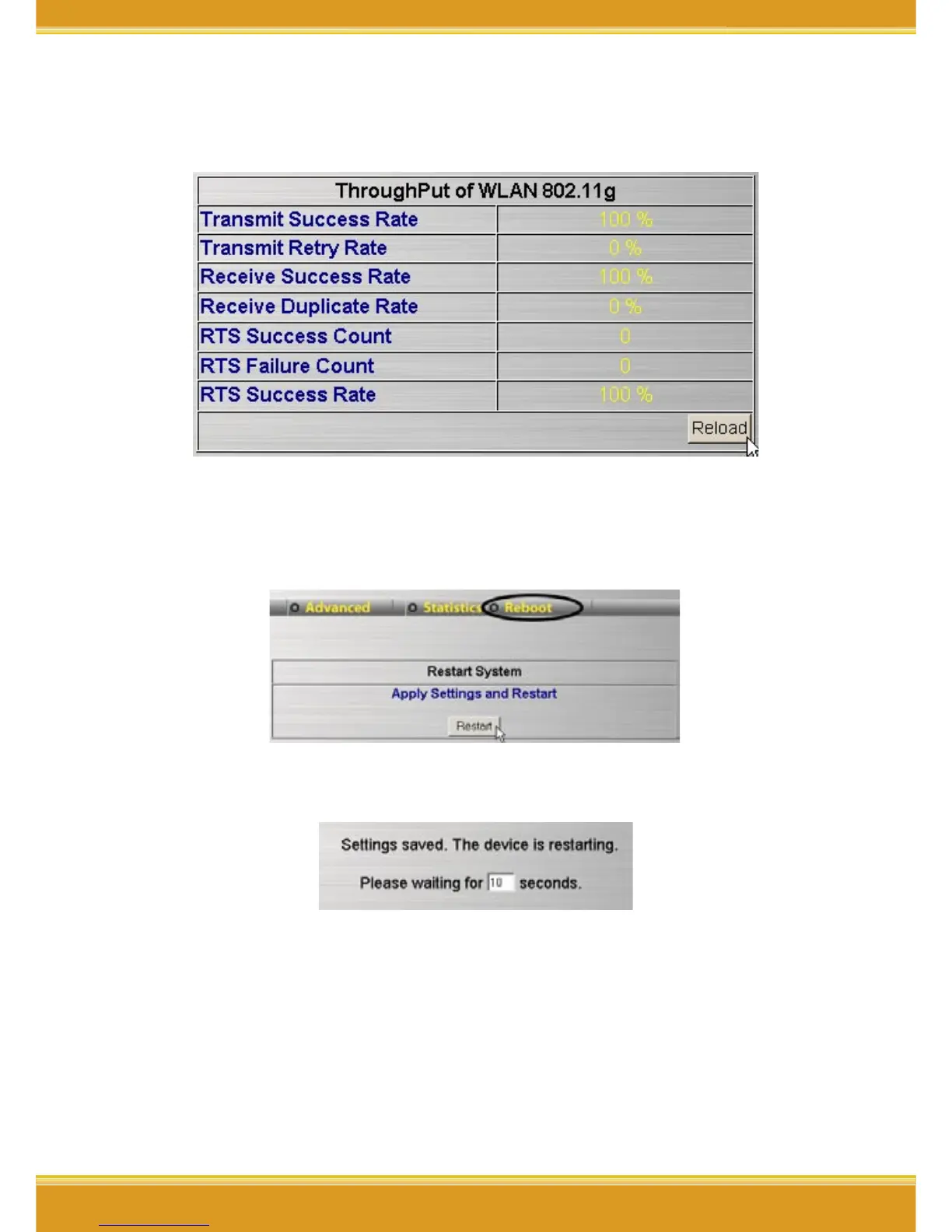
4.4 Statistics
The screen displays the statistics of throughput.
4.5 Reboot
1. Click [Reboot]->click [Restart], all new settings will be saved.
2. It will show up the Saving screen, severl seconds later, it will return
to re-login screen.
* Note:
• This function is the same as [Advanced]->[Maintaince]->[Restart
System].
• If any setting changes, please run this function to save and apply
the changes.



 To Next Page