WLAPGMN User Manual
17
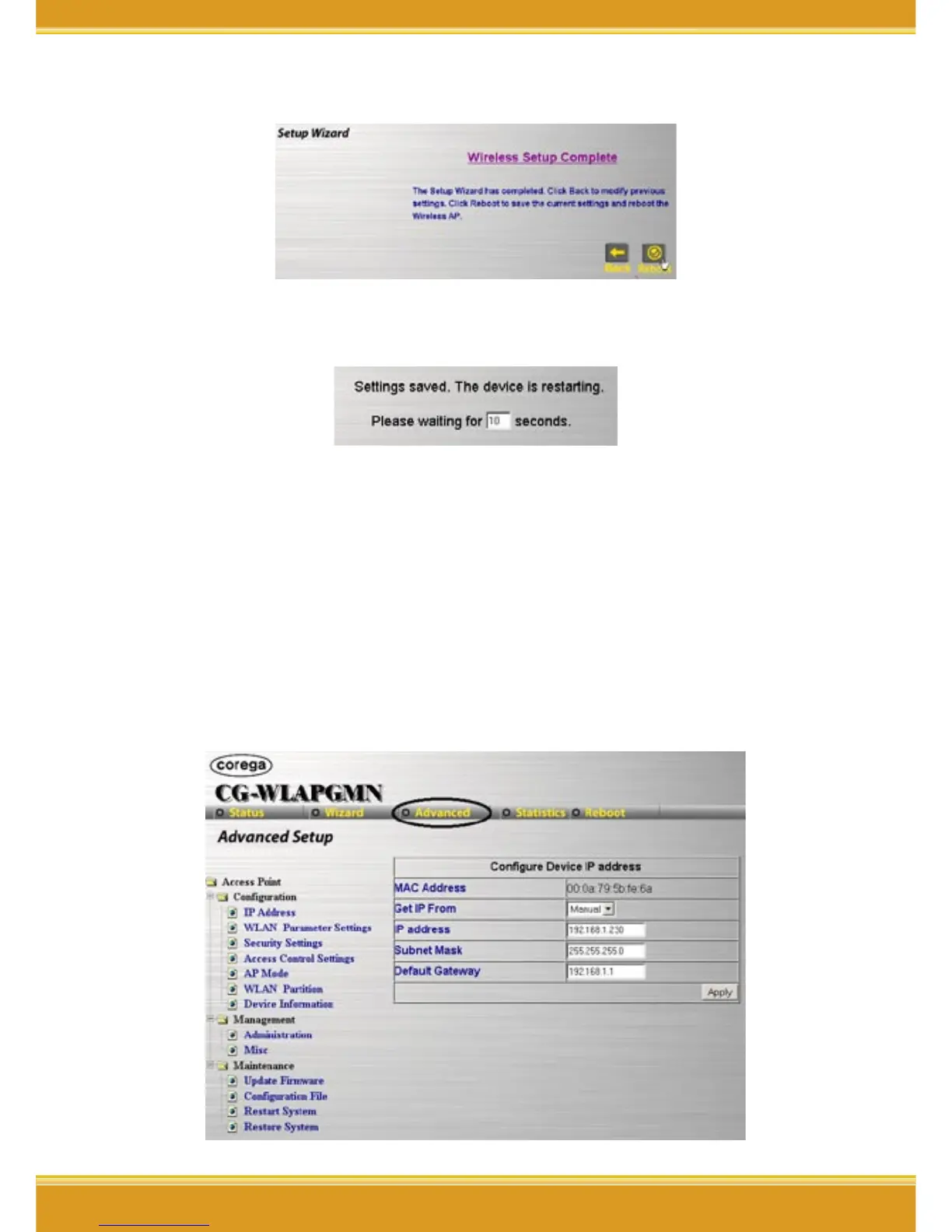
4. Setting completed, please press [Reboot] for saving the changes.
5. It will show up Saving screen, few seconds later, it will return to
re-login prompt box.
6. Change the same ESSID for all WLAN adapters which connected to
WLAPGMN.
4.3 Advanced
4.3.1 Configuration
<IP Address>
1. Click[Advanced]->[Configuration]-[IP Address], once configure
completed, please click [Apply].


 To Next Page