EasyManua.ls Logo

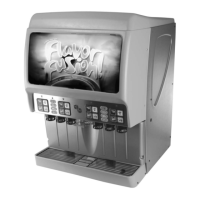
Cornelius Flavorfusion TP01070 - User Manual

Cornelius Flavorfusion TP01070
24 pages
Print Icon
To Next Page IconTo Next Page
Loading...
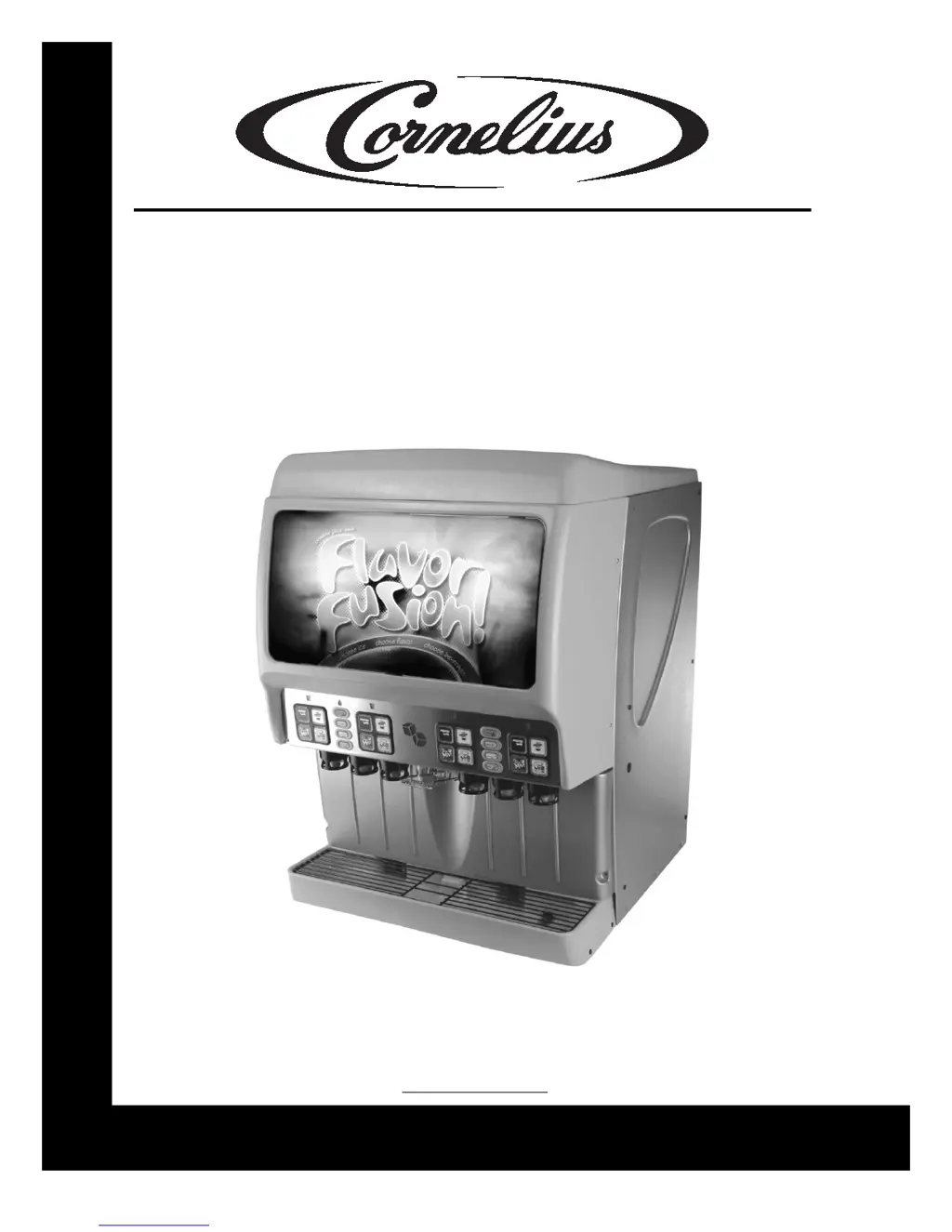
FLAVORFUSION®/
FLAVOROVERLOAD
Training Manual
Publication Number: TP01070
Revision Date: November 16, 2007
Revision: F
Visit the IMI Cornelius web site at www.cornelius.com
for all your Literature needs.
®

Questions and Answers

  • S
    Sheila WagnerAug 23, 2025
    Why does Cornelius Beverage Dispenser dispense ice continuously?
    • C
      Cheryl FergusonAug 23, 2025
      If your Cornelius Beverage Dispenser is dispensing ice continuously, it could be due to two primary reasons. The ice gate mechanism might be stuck in the open position. Inspect the gasket for proper positioning and examine the gate plate to ensure it slides freely behind the lower ice chute. Alternatively, the ice dispense lever might be stuck or bent, preventing the gate from closing and opening the reed switch. Examine the ice dispense lever to see if it is bent.
  • K
    Katherine ThompsonAug 25, 2025
    How to fix slushy ice in Cornelius Beverage Dispenser?
    • L
      Linda ParsonsAug 26, 2025
      If you find slushy ice or water in the hopper of your Cornelius Beverage Dispenser, it could be due to blocked drains in the cold plate. To resolve this, remove the access covers in the cold plate cover and inspect and clean the drains. Alternatively, poor ice quality due to water quality or ice maker problems could be the cause. In this case, correct the water quality or repair the ice maker.
  • T
    Thomas HunterAug 28, 2025
    Why is the beverage from my Cornelius Beverage Dispenser too sweet?
    • A
      Ashley DavisAug 28, 2025
      If the beverage from your Cornelius Beverage Dispenser is too sweet, it could be due to a few reasons. The valve brix might require adjustment. Alternatively, the carbonator may not be operating correctly, or there may be no CO2 in the carbonator. In these cases, repair the carbonator or restore CO2 pressure in the carbonator.
  • T
    Taylor GarciaAug 30, 2025
    What to do if Cornelius Beverage Dispenser does not dispense beverage?
    • S
      Steven JonesAug 31, 2025
      If your Cornelius Beverage Dispenser isn't dispensing beverage, ensure that the valves are receiving 24VAC and that there is CO2 pressure. Restore either if missing.
  • J
    Joel BrownSep 3, 2025
    Why carbonator pump does not start in Cornelius Beverage Dispenser?
    • M
      melissa52Sep 3, 2025
      If the carbonator pump in your Cornelius Beverage Dispenser does not start to fill the tank, the power cord for the carbonator pump motor might not be connected. The carbonator pump is powered off the main control board inside the electrical box of the unit. Check that the umbilical cord is connected from the unit to the pump motor terminal box.
  • A
    Anthony HeathSep 5, 2025
    Why Cornelius Beverage Dispenser has blown fuse or circuit breaker?
    • G
      garciamichaelSep 6, 2025
      If you experience a blown fuse or circuit breaker with your Cornelius Beverage Dispenser, it could be due to a short circuit in the electrical wiring or an inoperable agitator motor (shorted motor). In these cases, repair the wiring or replace the gear motor.
  • V
    Valerie EllisSep 8, 2025
    How to fix Bonus Flavor Icon LEDs flashing on Cornelius Beverage Dispenser?
    • K
      Karen WatsonSep 8, 2025
      If the Bonus Flavor Icon and/ or Drink Icon LEDs on your Cornelius Beverage Dispenser are ON continuously with four quick flashes every 30 seconds, it indicates a poor connection in the lighting synchronization harness that connects the interface boards together. To fix this, turn the keyswitch to disconnect power to the interface boards, then check the electrical connections between the harnesses that interconnect the right side of all interface boards together. After checking the connections, turn the keyswitch back to reconnect power.
  • P
    Philip StricklandSep 12, 2025
    What to do if Bonus Flavor Icon LEDs are not in sync on Cornelius Beverage Dispenser?
    • C
      Caleb DavisSep 12, 2025
      If the Bonus Flavor Icon and/ or Drink Icon LEDs are not in sync with the lighting sequence on your Cornelius Beverage Dispenser, it may result over time as the lighting sequence between push button pads can become slightly out of synchronization. Unplugging the unit and performing a power up will re-synchronize the lighting sequence.
  • W
    woodmicheleSep 13, 2025
    Why brand and bonus LED icons light together on Cornelius Beverage Dispenser?
    • T
      tuckerstevenSep 13, 2025
      If, during standby mode, the brand and bonus LED icons on your Cornelius Beverage Dispenser do not alternate back and forth but instead light together, it indicates that the bonus buttons are incorrectly programmed as brand buttons, or vice versa. To correct this, check the programming of each keypad and set each button as CW, PW, or timed dispense based upon the flavor lineup.
  • J
    Joseph PrattNov 16, 2025
    How to fix keypad LED lighting not working on Cornelius Beverage Dispenser?
    • L
      Laura MyersNov 16, 2025
      If the keypad LED lighting isn't working on your Cornelius Beverage Dispenser, there could be several reasons. It might be due to a poor connection between the interface board and the keypad PCB. To resolve this, turn the keyswitch to disconnect power at the interface boards and check the harness connections at each interface board. Another reason could be burnt-out keypad LEDs. In this case, turn off the power at the interface boards, unplug the ribbon cable from one interface board, and test it by plugging it into the neighboring interface board. If the keypad still doesn't light up, replace the keypad PCB. If the LEDs light up after testing on the neighboring board, the original interface board might be defective, and you should replace it. Corrosion at the connector between the keypad ...

Summary

Product Overview

Programming

Programming Mode Flashing Sequences

Describes LED flashing patterns for different dispense types.

Setting Water Flow Rate

Procedure to adjust the water dispense rate using timed dispense.

Mechanical

Valve Removal

Step-by-step guide for removing dispenser valves.

Troubleshooting

Dispenser Troubleshooting

Table of common dispenser symptoms, causes, and remedies.

Main Control Board Diagnostics

Guide to diagnosing control board issues based on LED states.

Cornelius Flavorfusion TP01070 Specifications

General IconGeneral
ModelTP01070
CategoryBeverage Dispenser
BrandCornelius
TypeFlavorfusion
Power150W
MaterialStainless Steel
Power SupplyElectric

Related product manuals